Customer acquisition cost calculator
Calculate blended CAC, optional payback time, and LTV-to-CAC ratio from monthly acquisition inputs.
- No sign-up
- Calculated in your browser
- Formula shown
- Updated
How to use the customer acquisition cost calculator
- 01
Enter monthly sales costs, marketing costs, and new customers.
- 02
Optionally add ARPU and gross margin for payback, or LTV for the ratio.
- 03
Review or copy the live outputs.
What the customer acquisition cost calculator does
Calculates blended customer acquisition cost from monthly sales and marketing spend, with optional gross-margin payback and LTV:CAC context.
Blended CAC from monthly spend
Enter monthly sales costs, monthly marketing costs and new customers acquired. The calculator adds the two cost lines into monthly acquisition spend, then divides by new customers to show what each customer cost to win in that month.
Margin-adjusted CAC payback
Add average monthly revenue per user and gross margin, and the tool shows how many months of gross profit it takes to earn back CAC. Leave either field blank and the payback row disappears instead of showing a misleading number.
LTV:CAC ratio in one view
If you already know customer lifetime value, enter it to see the LTV:CAC ratio next to CAC itself. That pairing tells you whether acquisition spend is buying customers worth more than they cost, which is the question most budget reviews ask.
Input checks and one-click copy
Results recalculate as you type. Negative costs, a gross margin above 100% or zero new customers produce a clear error rather than a broken figure. Copy result puts every output and the formula note on your clipboard, and nothing leaves your browser.
Formula, inputs and privacy
CAC = (sales costs + marketing costs) ÷ new customers; payback = CAC ÷ (ARPU × gross margin).
- What you provide
- Sales costs, marketing costs, new customers, and optional ARPU, gross margin, and LTV.
- What you get
- Monthly acquisition spend, CAC, optional payback in months, and optional LTV:CAC ratio.
- Where your data goes
- All arithmetic runs locally in the browser; financial inputs are not sent to ArcDemo.
Who uses the customer acquisition cost calculator
How do RevOps teams use a CAC calculator?
RevOps analysts run it during monthly close to sanity-check the CAC figure that lands in the board deck. Pulling sales and marketing cost lines from the ledger and new logos from the CRM, they can rebuild the dashboard number by hand and spot when a spend reclassification has quietly moved CAC.
How do finance leaders use CAC payback in budget planning?
Finance teams use CAC payback to judge how much cash a growth plan ties up. If payback stretches by several months, each new customer takes longer to fund itself, so the same hiring plan needs more runway. Modeling a few spend levels here shows that tradeoff before the budget is locked.
How do growth marketers use a CAC calculator for channel reviews?
Run the calculator once per channel by entering that channel's spend as marketing cost, an allocated share of sales cost and the customers it sourced. Comparing paid search, events and partner programs side by side shows where the next dollar may go furthest, provided everyone agrees on the attribution rule.
How do founders use CAC when preparing to raise?
Early-stage founders use it to present CAC, payback and LTV:CAC from one consistent set of inputs. Investors tend to ask how each number was built, so keeping the inputs next to the copied result makes follow-up questions about included costs and time periods easier to answer.
Frequently Asked Questions
Learn how interactive demos work and how ArcDemo helps your team close deals without a live call.
Want early access to ArcDemo? Join the waitlist
Want early access to ArcDemo? Join the waitlist
More free tools
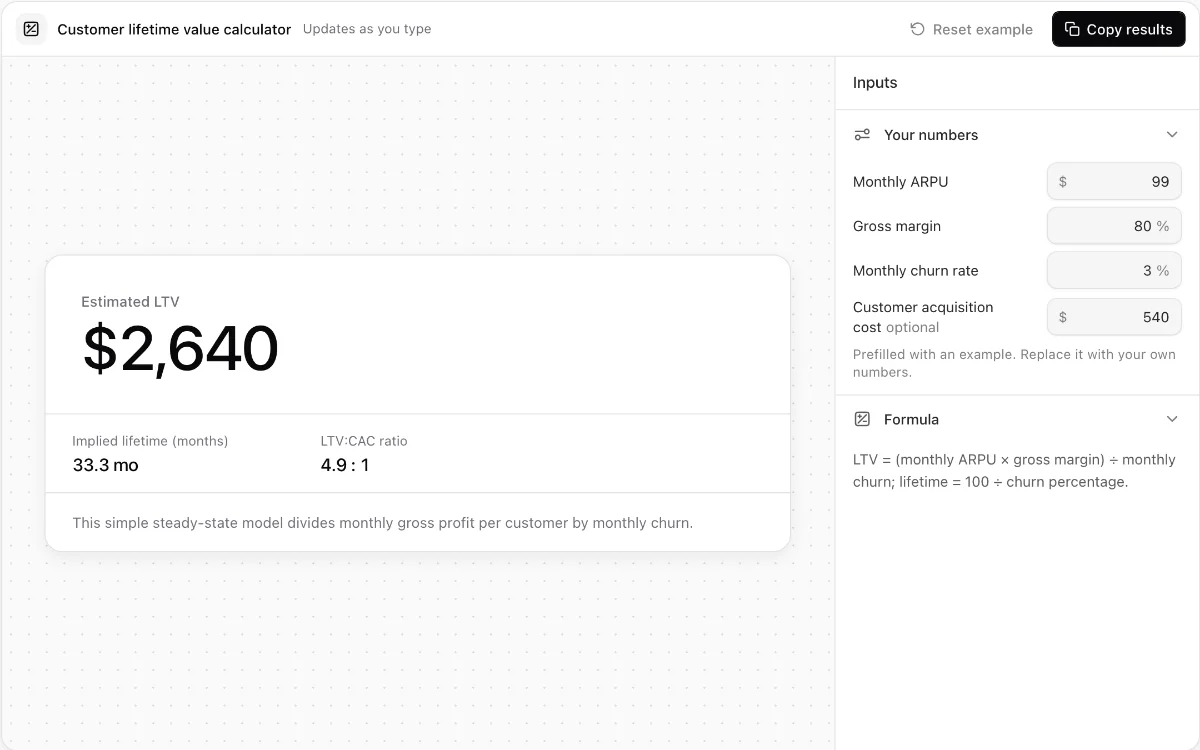
Customer lifetime value calculator
Estimate steady-state SaaS lifetime value from ARPU, gross margin, and monthly churn.
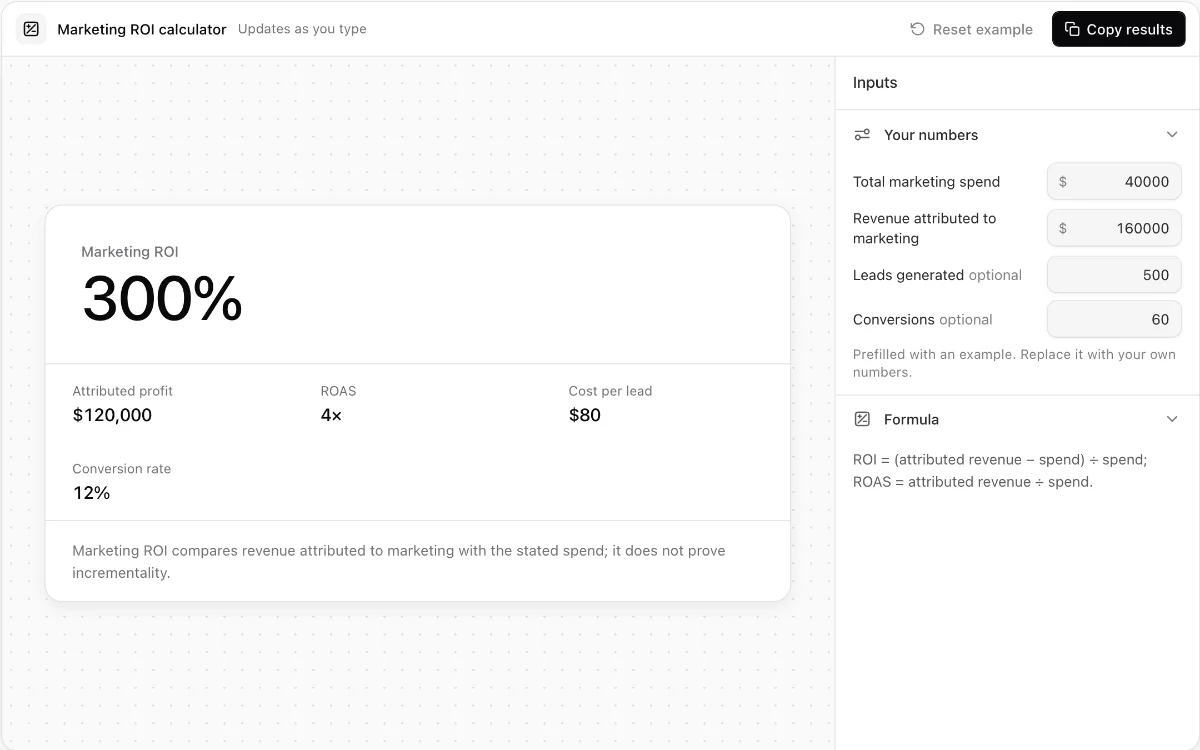
Marketing ROI calculator
Calculate attributed ROI, ROAS, cost per lead, and lead-to-customer conversion rate.
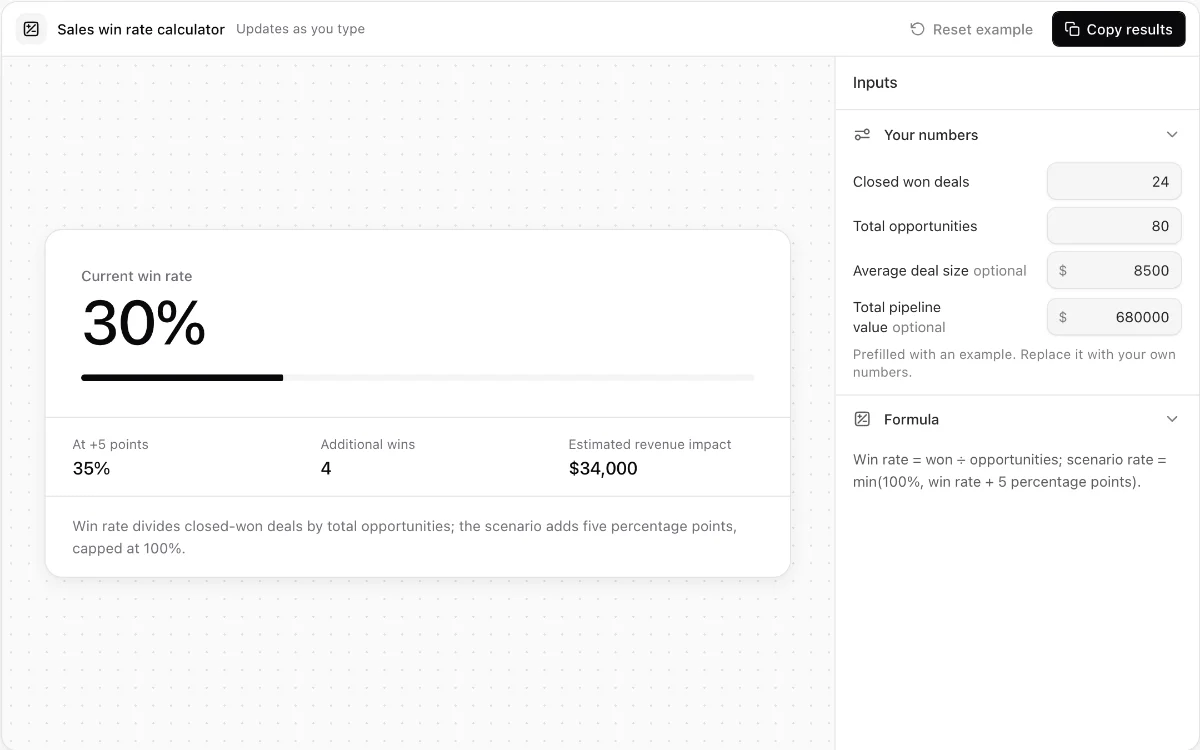
Sales win rate calculator
Measure opportunity win rate and model the revenue effect of a five-point improvement.
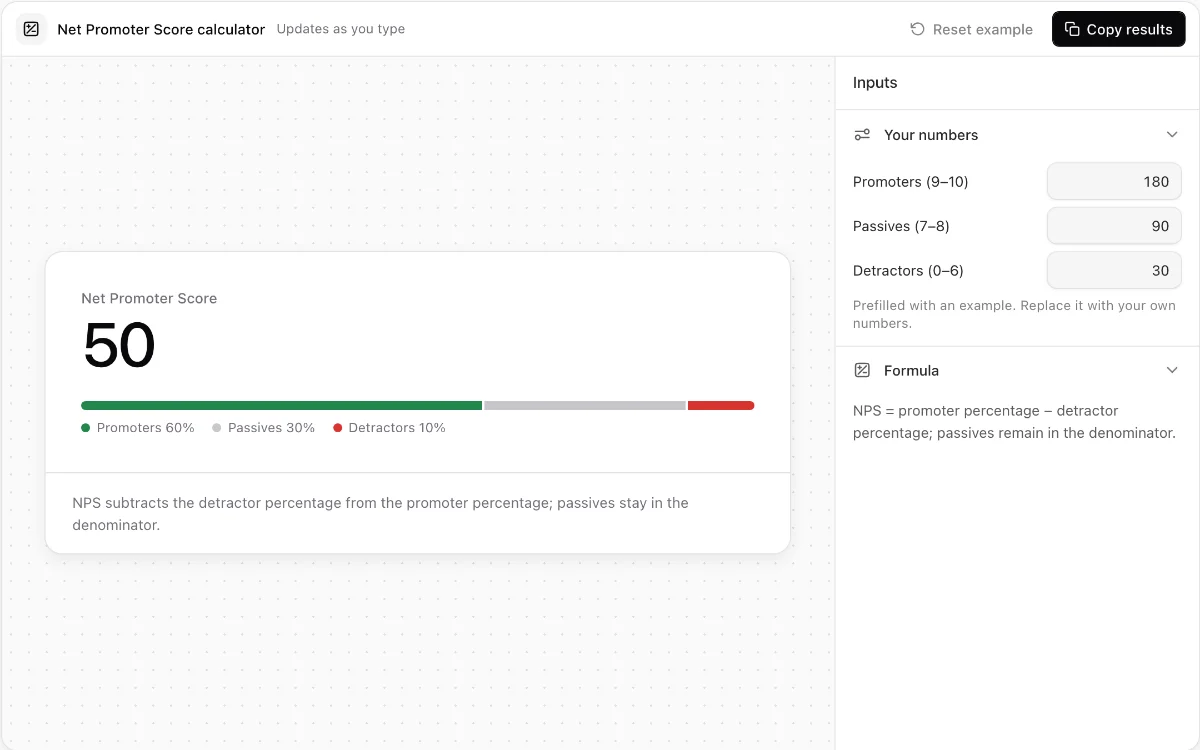
Net Promoter Score calculator
Turn promoter, passive, and detractor response counts into an exact NPS breakdown.
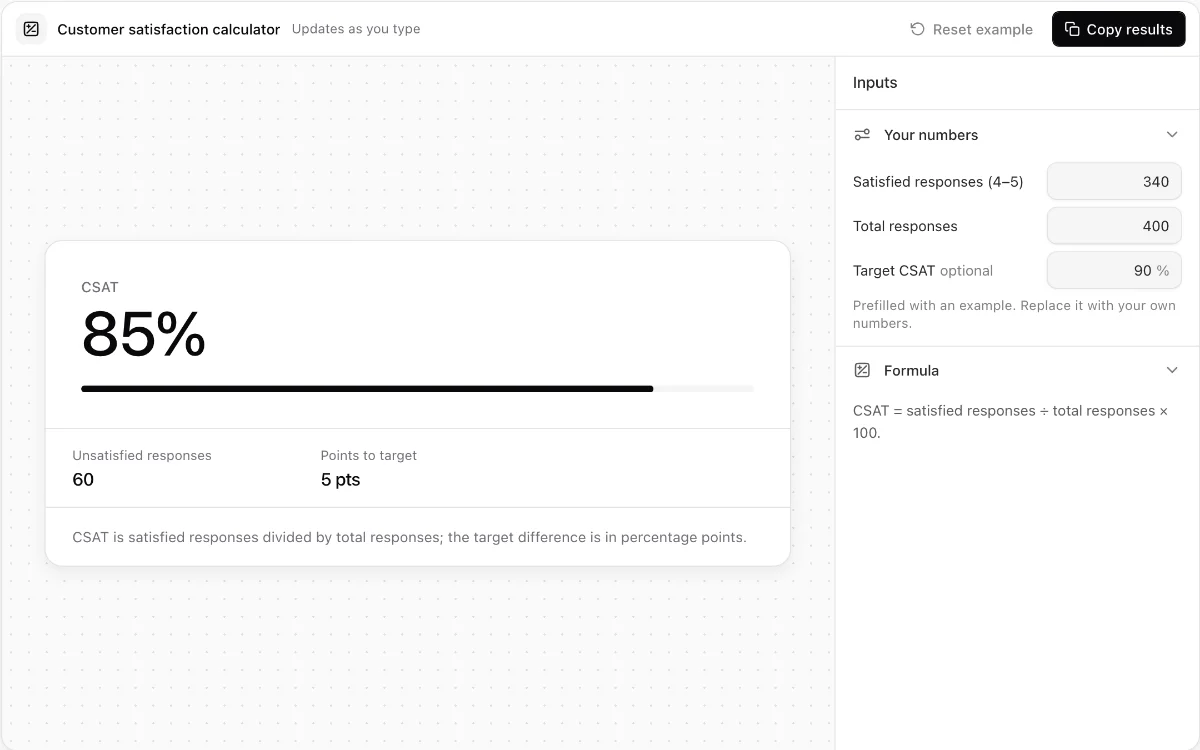
Customer satisfaction calculator
Calculate CSAT, unsatisfied responses, and the percentage-point gap to a valid target.
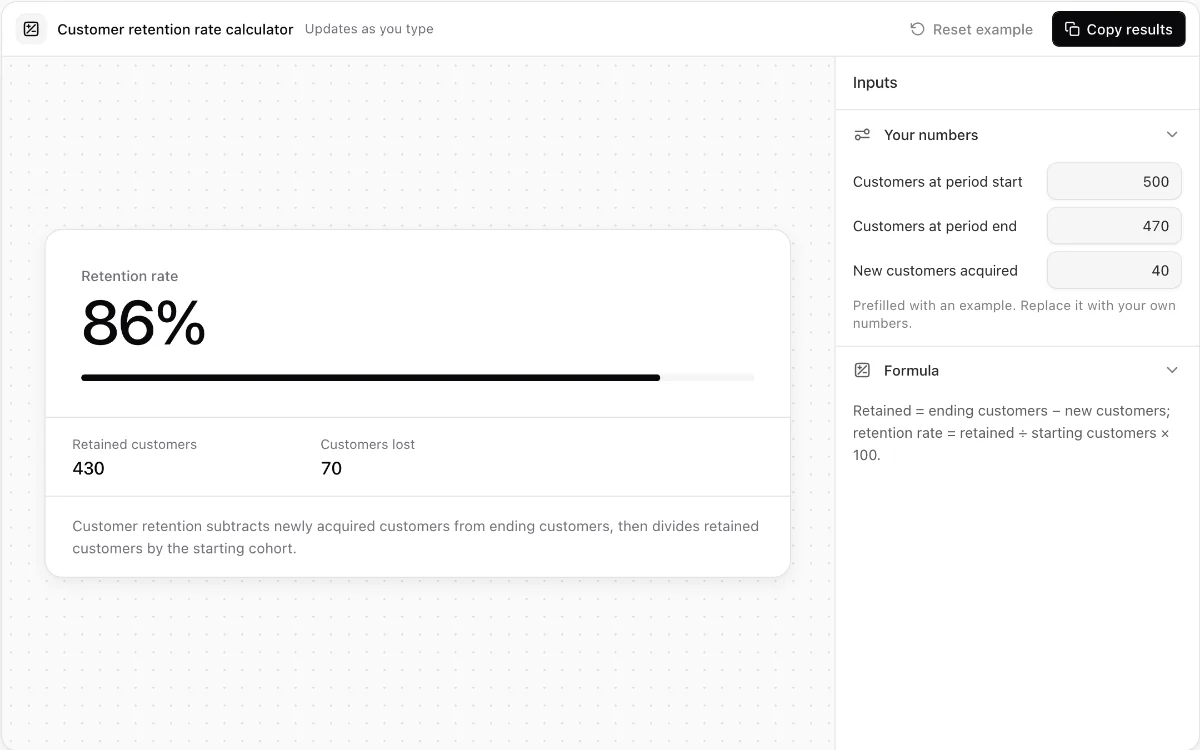
Customer retention rate calculator
Measure retained and lost customers while catching impossible cohort inputs.
Make every demo your next revenue channel
Capture screenshot, HTML, sandbox and video demos of your product and let buyers explore it before they ever book a call.