Marketing ROI calculator
Calculate attributed ROI, ROAS, cost per lead, and lead-to-customer conversion rate.
- No sign-up
- Calculated in your browser
- Formula shown
- Updated
Marketing ROI
300%
- Attributed profit
- $120,000
- ROAS
- 4×
- Cost per lead
- $80
- Conversion rate
- 12%
Marketing ROI compares revenue attributed to marketing with the stated spend; it does not prove incrementality.
How to use the marketing ROI calculator
- 01
Enter marketing spend and attributed revenue.
- 02
Optionally add leads and conversions.
- 03
Keep the attribution assumption visible when using the result.
What the marketing ROI calculator does
Compares attributed marketing revenue with spend and optionally derives ROAS, cost per lead, and lead-to-customer conversion rate.
ROI and attributed profit
Enter total marketing spend and the revenue attributed to it. The calculator shows attributed profit, revenue minus spend, and marketing ROI as a percentage of spend, so $160,000 of attributed revenue on $40,000 of spend reads as 300% ROI.
ROAS beside ROI
Return on ad spend appears as a multiple, revenue divided by spend, right next to ROI. Seeing both prevents a frequent mix-up: 4× ROAS and 300% ROI describe the same campaign, measured from different baselines.
Funnel metrics when available
Add leads to get cost per lead, and add conversions to get the lead-to-conversion rate. Both are optional. The tool requires leads whenever conversions are entered and blocks conversion counts higher than lead counts, which catches swapped fields.
Recalculates and copies instantly
Results change the moment you edit a field, and Reset example restores the sample campaign. Copy result sends every metric, plus a reminder that attribution does not prove incrementality, to your clipboard. Campaign figures stay inside your browser.
Formula, inputs and privacy
ROI = (attributed revenue − spend) ÷ spend; ROAS = attributed revenue ÷ spend.
- What you provide
- Marketing spend, attributed revenue, and optional lead and conversion counts.
- What you get
- Attributed profit, ROI, ROAS, cost per lead, and conversion rate when supplied.
- Where your data goes
- Revenue and campaign figures stay in local browser state; this estimate does not prove incrementality.
Who uses the marketing ROI calculator
How do demand generation teams use a marketing ROI calculator?
Demand gen managers run it per program at the end of each quarter: webinars, paid social, content syndication. Entering each program's spend, attributed revenue, leads and conversions puts ROI, cost per lead and conversion rate side by side, which makes the reallocation conversation in planning far more concrete.
How do marketing operations teams use ROI and ROAS?
Marketing ops teams use the calculator to double-check figures reported by ad platforms. Platforms often report ROAS on their own attribution windows; recomputing from spend and CRM-attributed revenue shows how far the platform view differs from the revenue the business actually booked.
How do agencies use a marketing ROI calculator with clients?
Agencies use it in monthly client reports to show ROI and ROAS from figures the client can verify. Because the formula and inputs are visible, there is less debate about how the number was built, and the discussion moves on to which attribution model both sides accept.
How do CMOs use marketing ROI in budget requests?
Marketing leaders use attributed ROI as one input, alongside pipeline contribution and CAC, when asking for budget. Presenting the profit figure with the attribution caveat stated up front tends to hold up better with finance than a headline ROI percentage offered without explanation.
Frequently Asked Questions
Learn how interactive demos work and how ArcDemo helps your team close deals without a live call.
Want early access to ArcDemo? Join the waitlist
Want early access to ArcDemo? Join the waitlist
More free tools
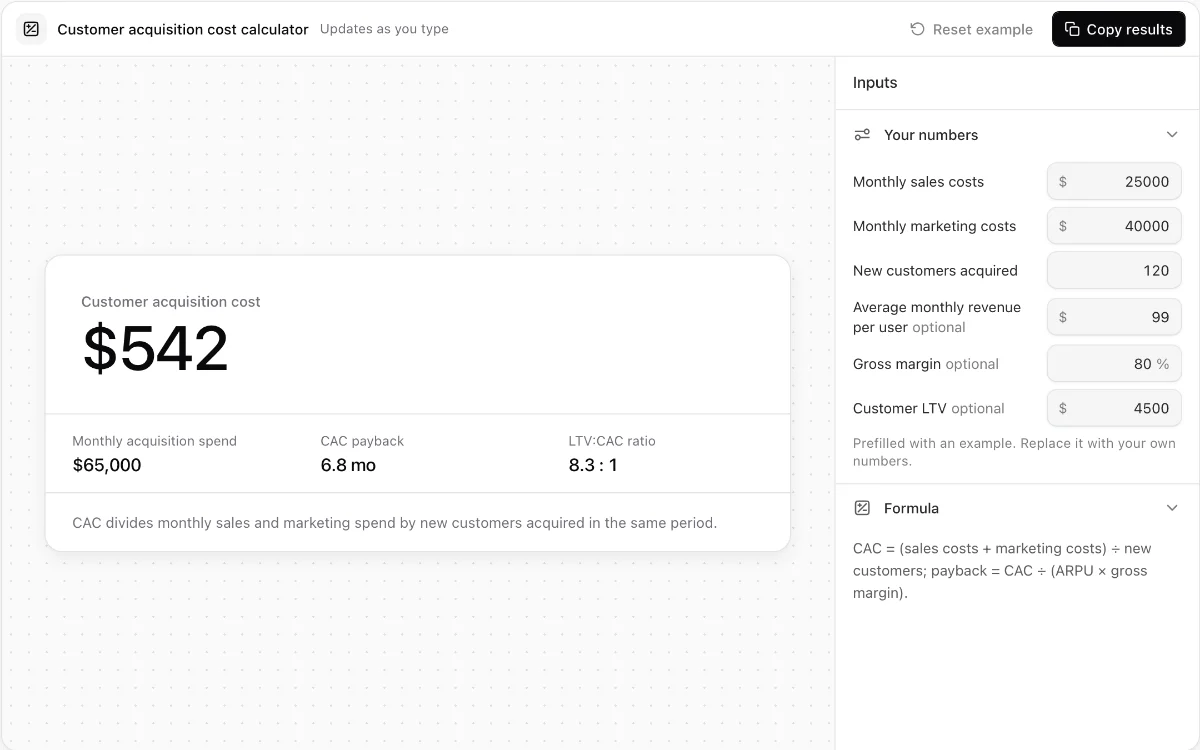
Customer acquisition cost calculator
Calculate blended CAC, optional payback time, and LTV-to-CAC ratio from monthly acquisition inputs.
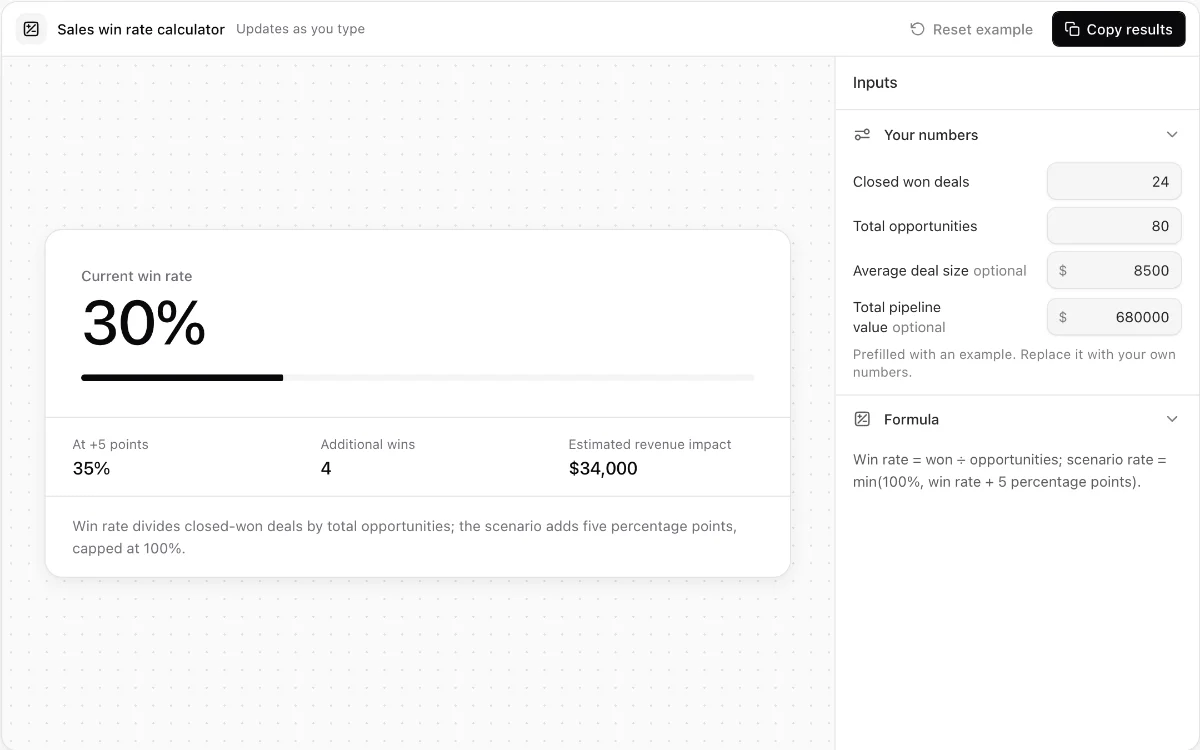
Sales win rate calculator
Measure opportunity win rate and model the revenue effect of a five-point improvement.
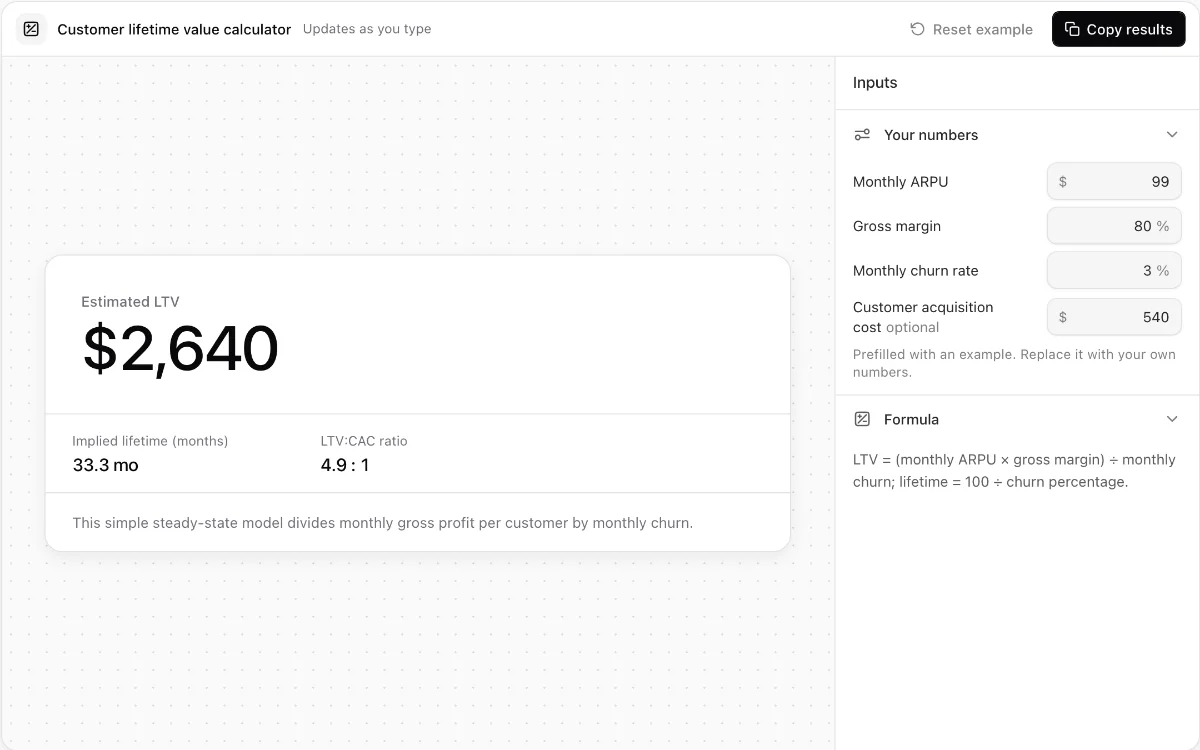
Customer lifetime value calculator
Estimate steady-state SaaS lifetime value from ARPU, gross margin, and monthly churn.
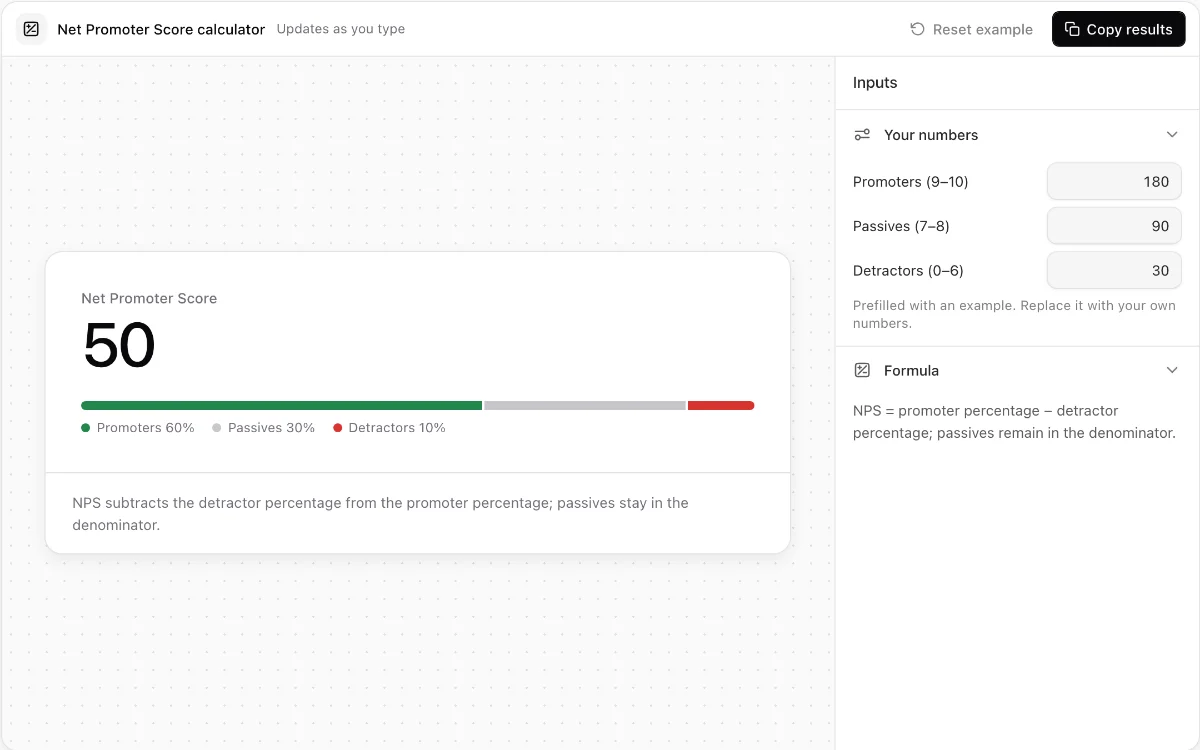
Net Promoter Score calculator
Turn promoter, passive, and detractor response counts into an exact NPS breakdown.
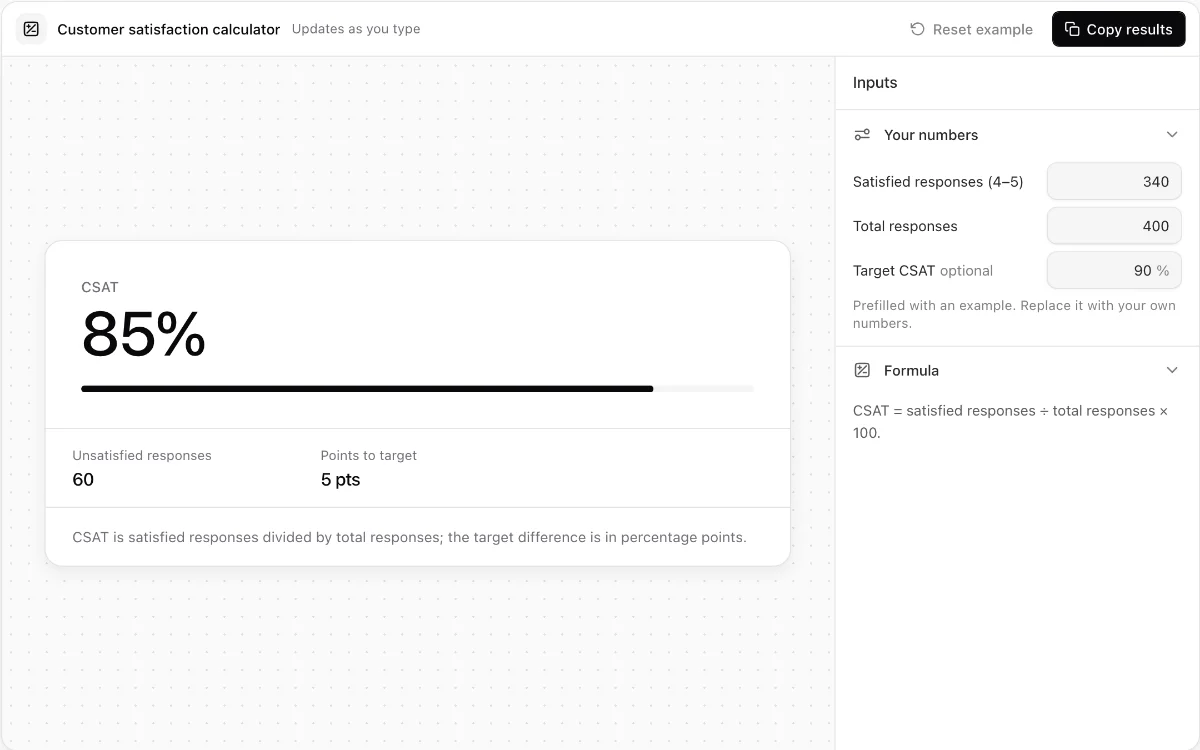
Customer satisfaction calculator
Calculate CSAT, unsatisfied responses, and the percentage-point gap to a valid target.
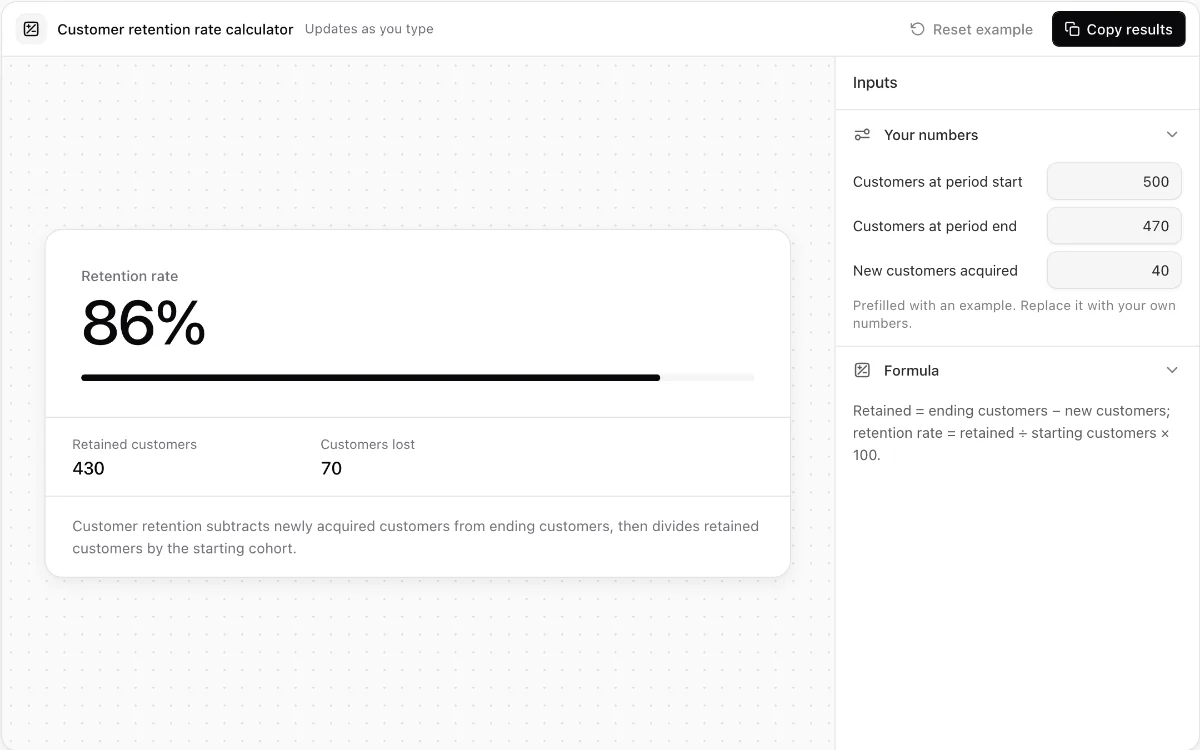
Customer retention rate calculator
Measure retained and lost customers while catching impossible cohort inputs.
Make every demo your next revenue channel
Capture screenshot, HTML, sandbox and video demos of your product and let buyers explore it before they ever book a call.