QR code background maker
Create a scannable static QR code and a polished 1200×800 sharing composition without tracking the payload.
- No sign-up
- Never uploaded
- No watermark
- Updated
How to use the QR code background maker
- 01
Enter the URL or text for the QR payload.
- 02
Adjust correction, colors, headline, placement, and background.
- 03
Download the 1200×800 composition, the QR code alone as PNG, or an SVG.
What the QR code background maker does
Generates a static QR code from text or a URL and places it in a 1200×800 branded composition, with contrast checks before export.
Static codes with nothing between
The QR code encodes your URL or text directly, up to 1,800 characters. There is no redirect service, no scan tracking and no expiry date, so the code keeps working for as long as its destination does.
Error correction you choose
Pick L, M, Q or H error correction. Higher levels tolerate scratches, glare and partly covered prints better, but they make the pattern denser, which matters for long URLs printed at a small size.
Contrast check that blocks bad exports
As you change colors, the tool measures contrast between the code and its background in real time. When a combination is likely to fail on a phone camera, export stays disabled until the colors are fixed.
A layout ready to share
Add a headline, place the code left, center or right, and choose a gradient, solid color, local image or no background. Then download the 1200×800 composition, a 512-pixel code-only PNG, or an SVG.
Inputs, output and privacy
- What you provide
- A QR payload, optional headline, colors, placement, and optional local background image.
- What you get
- A static PNG, SVG, or 1200×800 PNG composition; it does not create a tracking link.
- Where your data goes
- The payload and selected images stay in the browser while the QR code and composition render locally.
Who uses the QR code background maker
How do event marketers use a QR code background maker?
Event and field marketers put QR codes on booth signs, slides and printed handouts. The 1200×800 composition with a headline about the offer drops straight into a slide, while the SVG of the code scales cleanly for a large printed banner.
How do HR teams use a QR code background maker?
HR and office teams link posters to a benefits portal, a Wi-Fi guide or a new-hire checklist. Because the code is static with no expiry, there is no account behind it that could lapse and break every printed poster at once.
How do sales teams use a QR code background maker?
Reps add a QR code to the closing slide of a pitch or a printed leave-behind so prospects can open a demo or booking page from their phone. Placing the code to one side keeps the headline readable on a projector screen.
How do trainers use a QR code background maker?
Trainers put a code on a classroom slide that opens course materials or a feedback form. Plain text payloads work too, so a code can hold a short instruction or a session code without needing any web page behind it.
Frequently Asked Questions
Learn how interactive demos work and how ArcDemo helps your team close deals without a live call.
Want early access to ArcDemo? Join the waitlist
Want early access to ArcDemo? Join the waitlist
More free tools
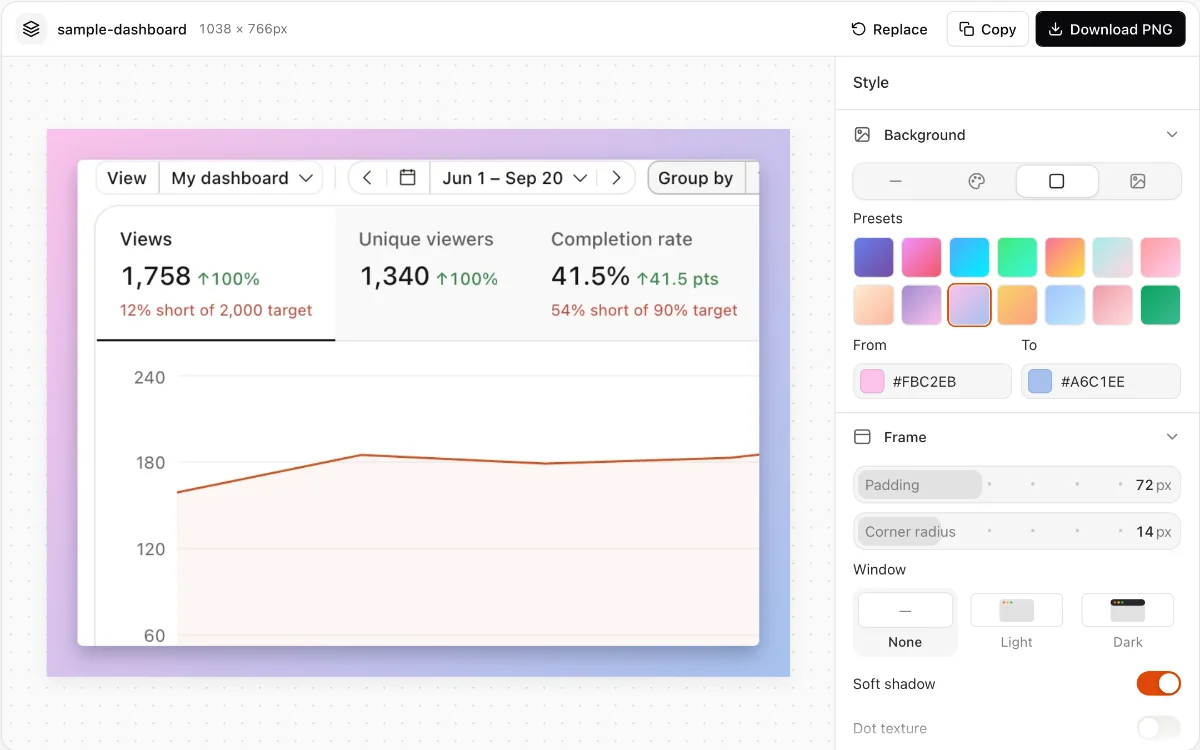
Screenshot background tool
Frame a screenshot with precise padding, corners, shadow, patterns, solid colors, or gradients.
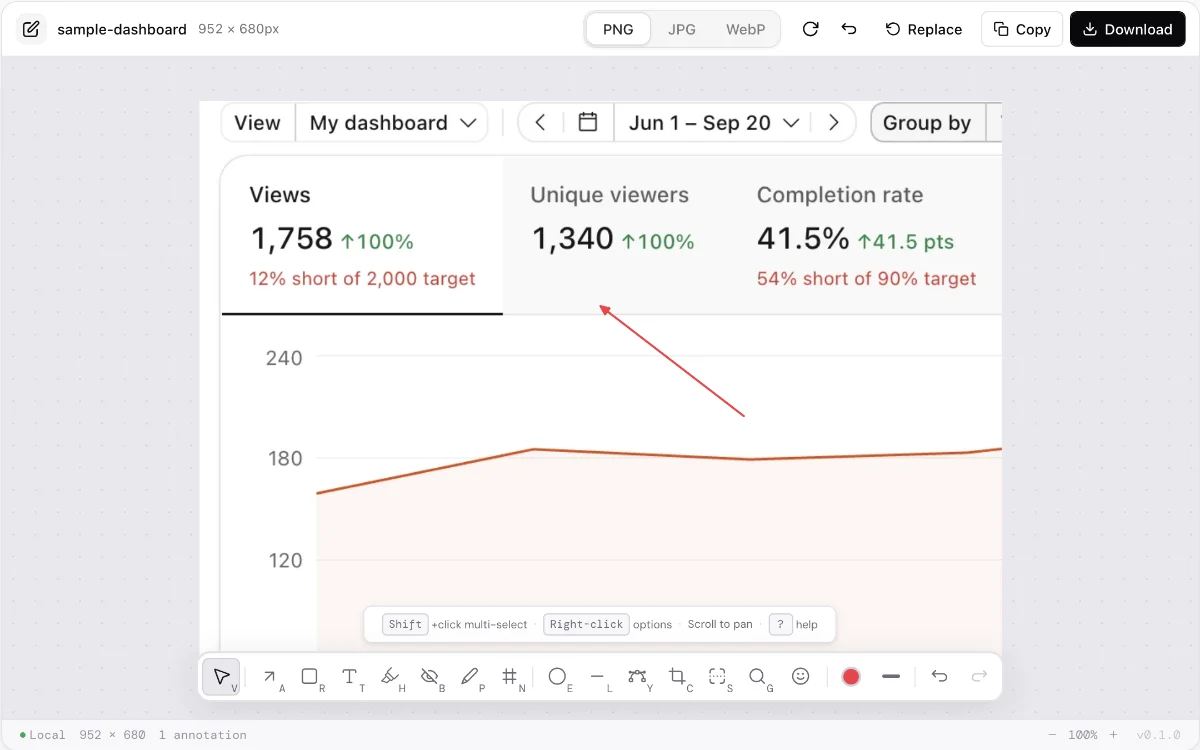
Free screenshot editor
Crop, annotate, highlight, add text, and permanently redact a screenshot in your browser.
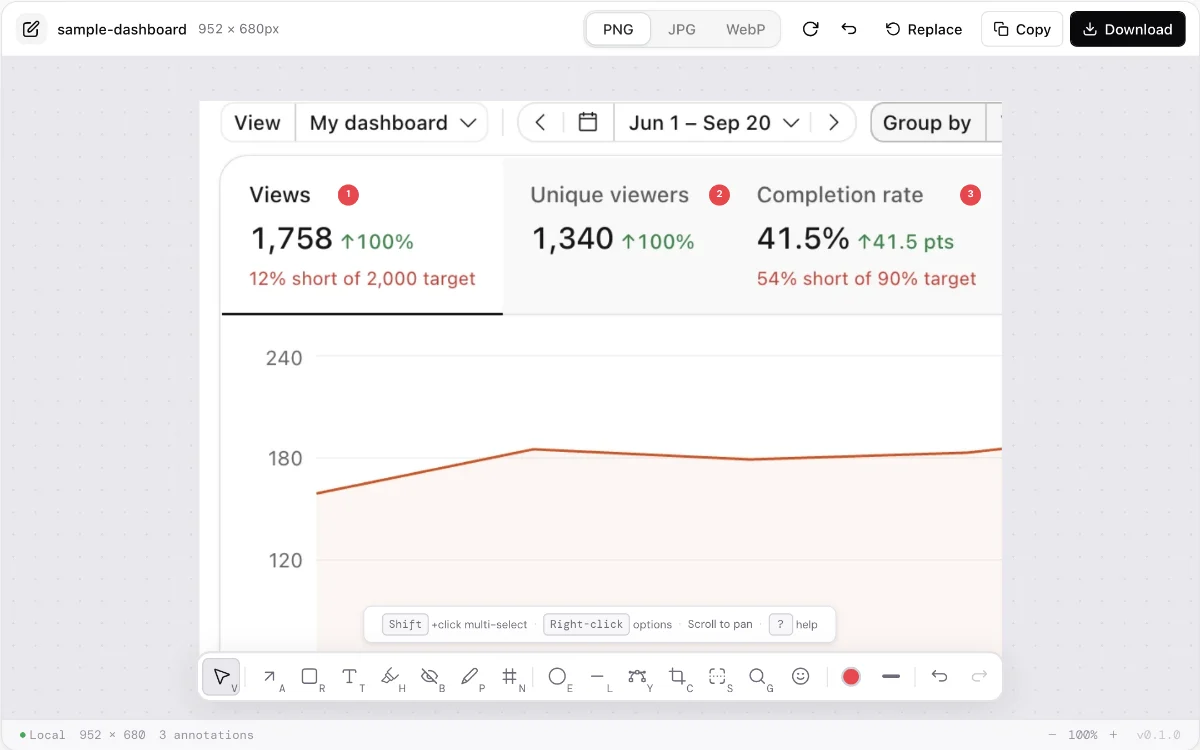
Screenshot annotation tool
Add numbered markers, arrows, shapes, highlights, and text manually. Nothing is generated or uploaded.
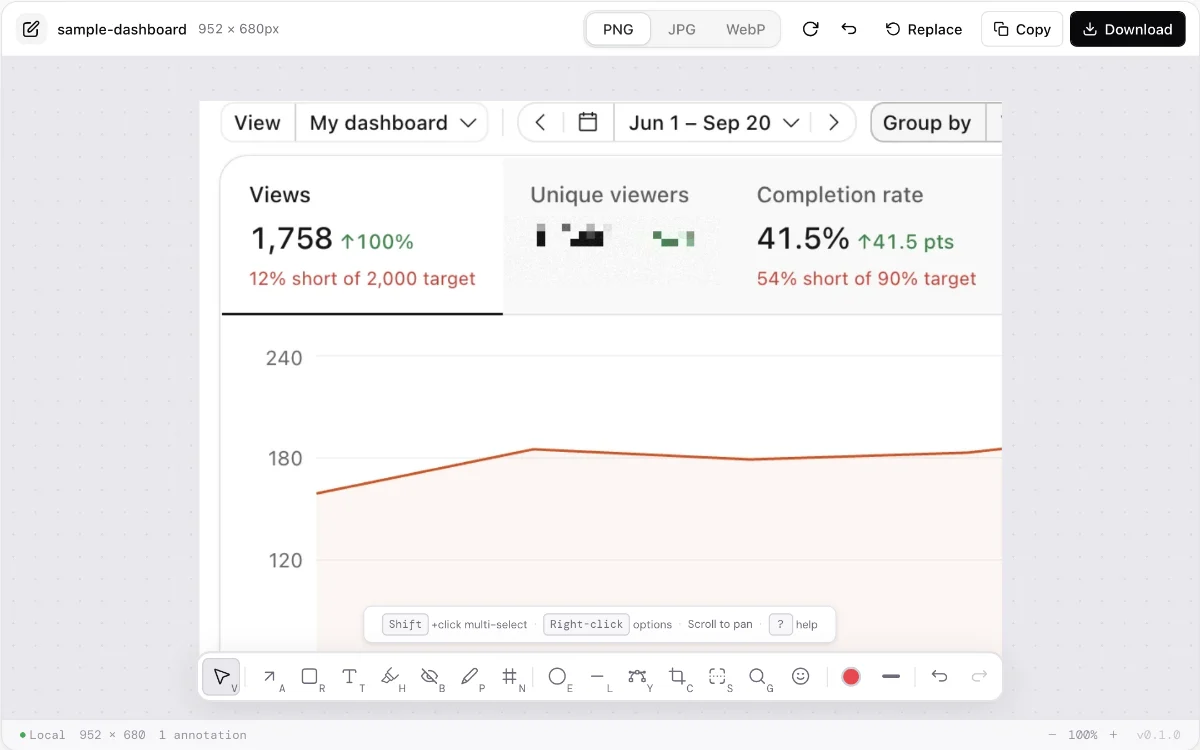
Online image redaction tool
Permanently cover sensitive screenshot regions, with optional baked pixelation for non-sensitive emphasis.
Make every demo your next revenue channel
Capture screenshot, HTML, sandbox and video demos of your product and let buyers explore it before they ever book a call.