Customer satisfaction calculator
Calculate CSAT, unsatisfied responses, and the percentage-point gap to a valid target.
- No sign-up
- Calculated in your browser
- Formula shown
- Updated
CSAT
85%
- Unsatisfied responses
- 60
- Points to target
- 5 pts
CSAT is satisfied responses divided by total responses; the target difference is in percentage points.
How to use the customer satisfaction calculator
- 01
Enter satisfied responses scored 4–5 and total responses.
- 02
Optionally set a target percentage.
- 03
Use the points-to-target result to interpret the cohort.
What the customer satisfaction calculator does
Calculates customer satisfaction from satisfied and total responses, then shows unsatisfied count and an optional target gap.
CSAT as a percentage
Enter the number of satisfied responses, those scoring 4 or 5 on a five-point scale, and the total number of responses. The calculator divides one by the other and shows CSAT as a percentage, updating instantly as you adjust either count.
Unsatisfied response count
The results also show how many responses were not satisfied, calculated as total minus satisfied. That raw number is often more actionable than the percentage, because it tells a support lead exactly how many conversations deserve a second look.
Gap to your target
Set an optional target CSAT and the tool reports the difference in percentage points. A positive gap means you are below target by that many points; a negative gap means you are ahead of it. Clear the field to hide the row.
Error checks and quick copy
Satisfied responses cannot exceed the total, the total must be above zero and the target must fall between 0 and 100%. When the inputs are valid, Copy result grabs every figure for your weekly report. Nothing is stored or uploaded.
Formula, inputs and privacy
CSAT = satisfied responses ÷ total responses × 100.
- What you provide
- Satisfied response count, total response count, and optional target CSAT percentage.
- What you get
- CSAT percentage, unsatisfied responses, and optional points to target.
- Where your data goes
- Aggregate survey counts are calculated locally and are not stored by ArcDemo.
Who uses the customer satisfaction calculator
How do support managers use a CSAT calculator?
Support managers calculate CSAT per queue or per shift from ticketing exports to see where satisfaction dips. Comparing the billing queue with technical support, for example, often points to a process issue such as slow refunds rather than a gap in agent skills.
How do support operations teams use the target gap?
Support ops teams set a quarterly CSAT target and track the gap in points each week. Knowing the team is three points short, and how many unsatisfied responses that represents, turns a vague goal into a concrete number of conversations to improve.
How do onboarding and implementation teams use CSAT?
Implementation teams send a short satisfaction survey at go-live. Calculating CSAT per implementation cohort shows whether changes to the kickoff process, documentation or training materials are landing with new customers before those customers reach their first renewal.
How do product teams use CSAT on new features?
Product teams add an in-app satisfaction prompt after customers use a new feature for the first time. CSAT from those responses is a quick read on whether the feature works as expected, and the unsatisfied count tells researchers how many users to contact for follow-up interviews.
Frequently Asked Questions
Learn how interactive demos work and how ArcDemo helps your team close deals without a live call.
Want early access to ArcDemo? Join the waitlist
Want early access to ArcDemo? Join the waitlist
More free tools
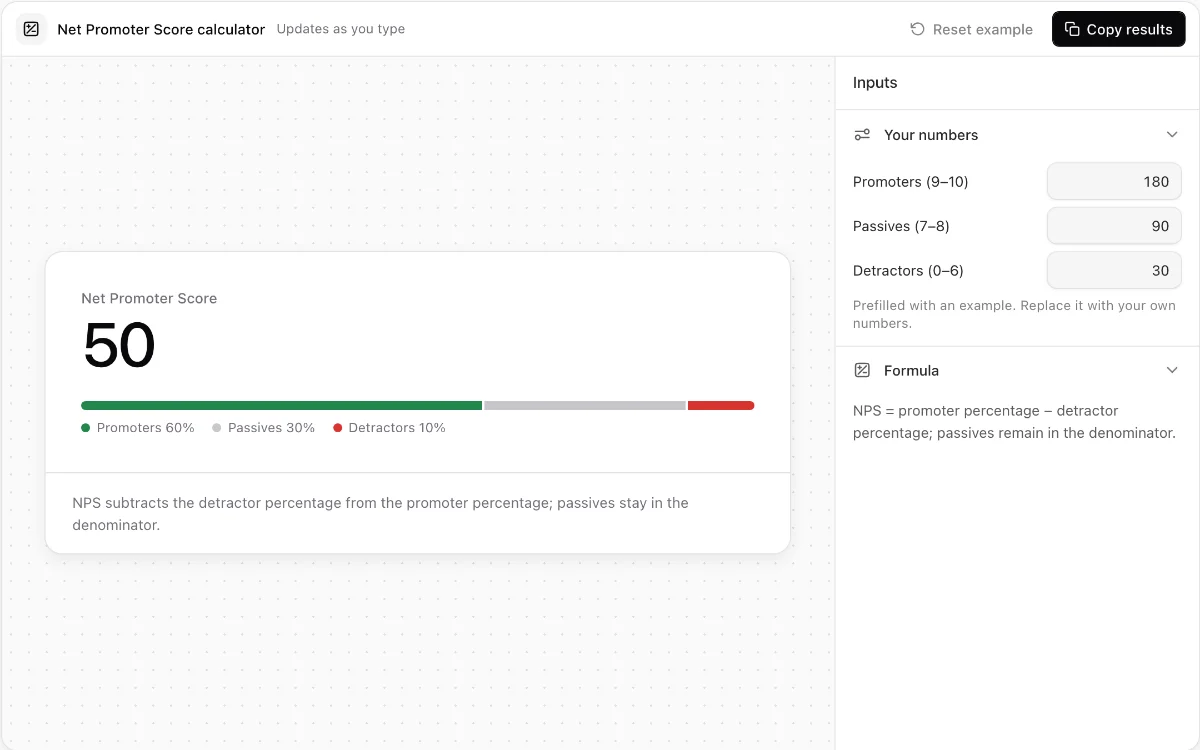
Net Promoter Score calculator
Turn promoter, passive, and detractor response counts into an exact NPS breakdown.
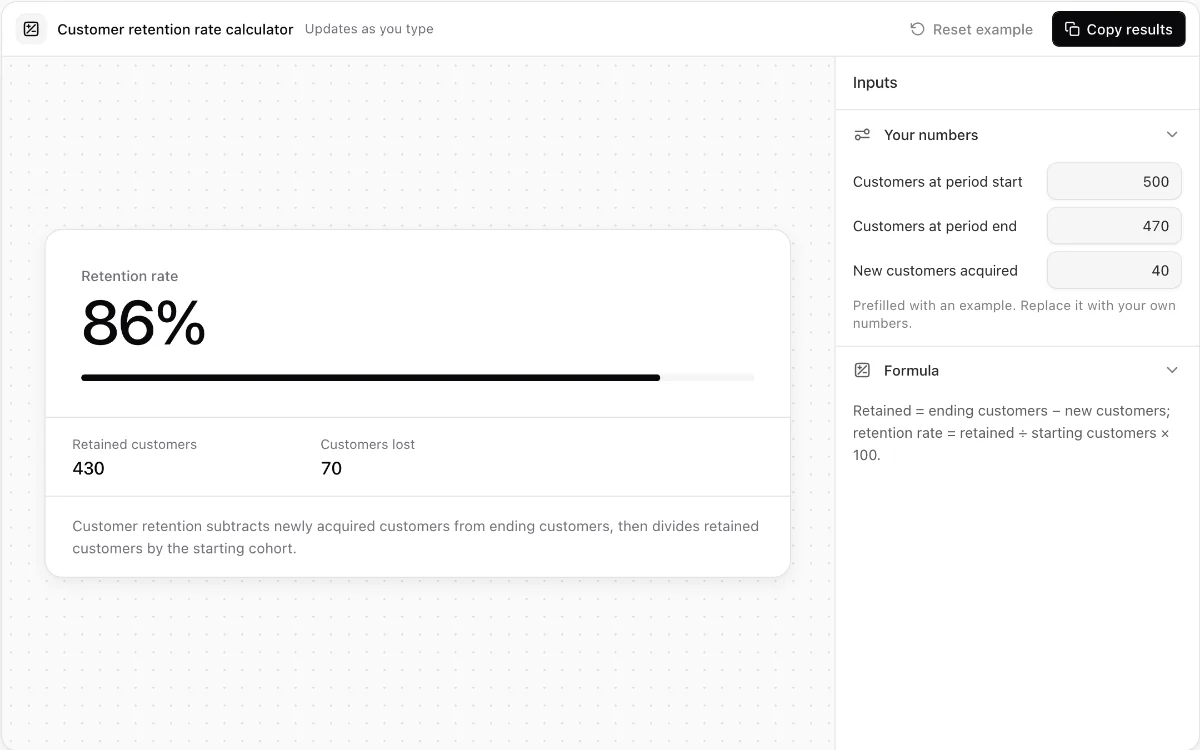
Customer retention rate calculator
Measure retained and lost customers while catching impossible cohort inputs.
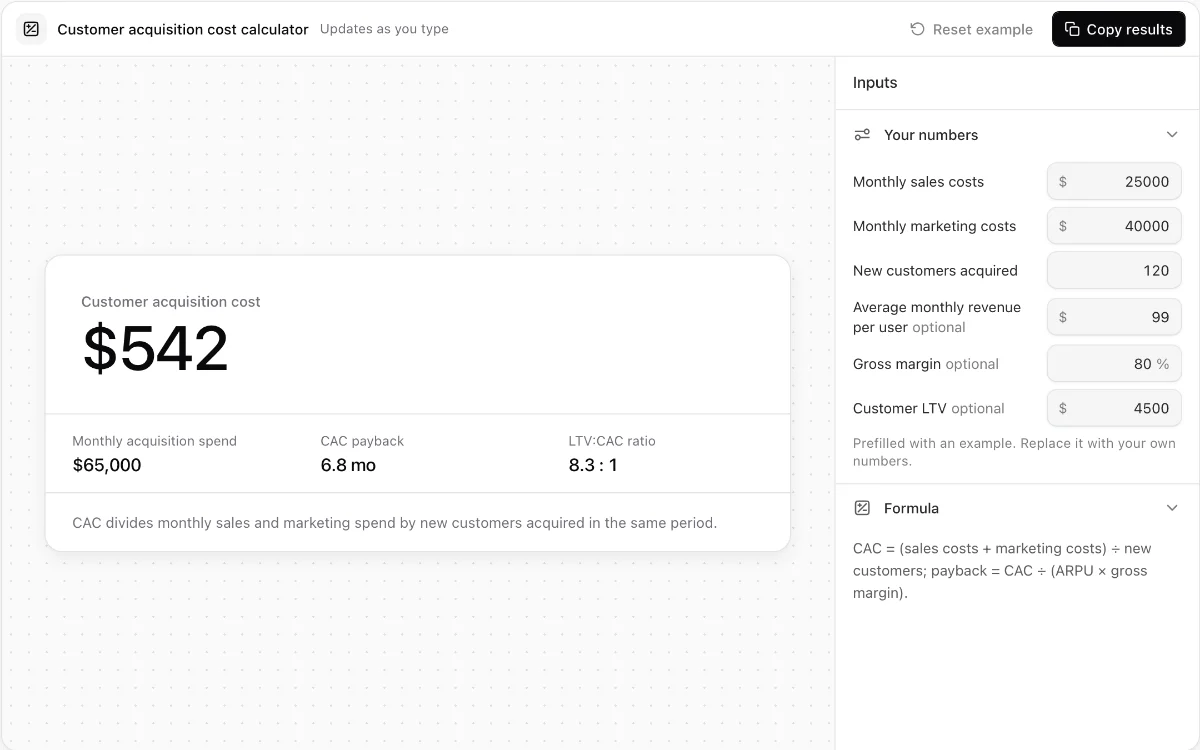
Customer acquisition cost calculator
Calculate blended CAC, optional payback time, and LTV-to-CAC ratio from monthly acquisition inputs.
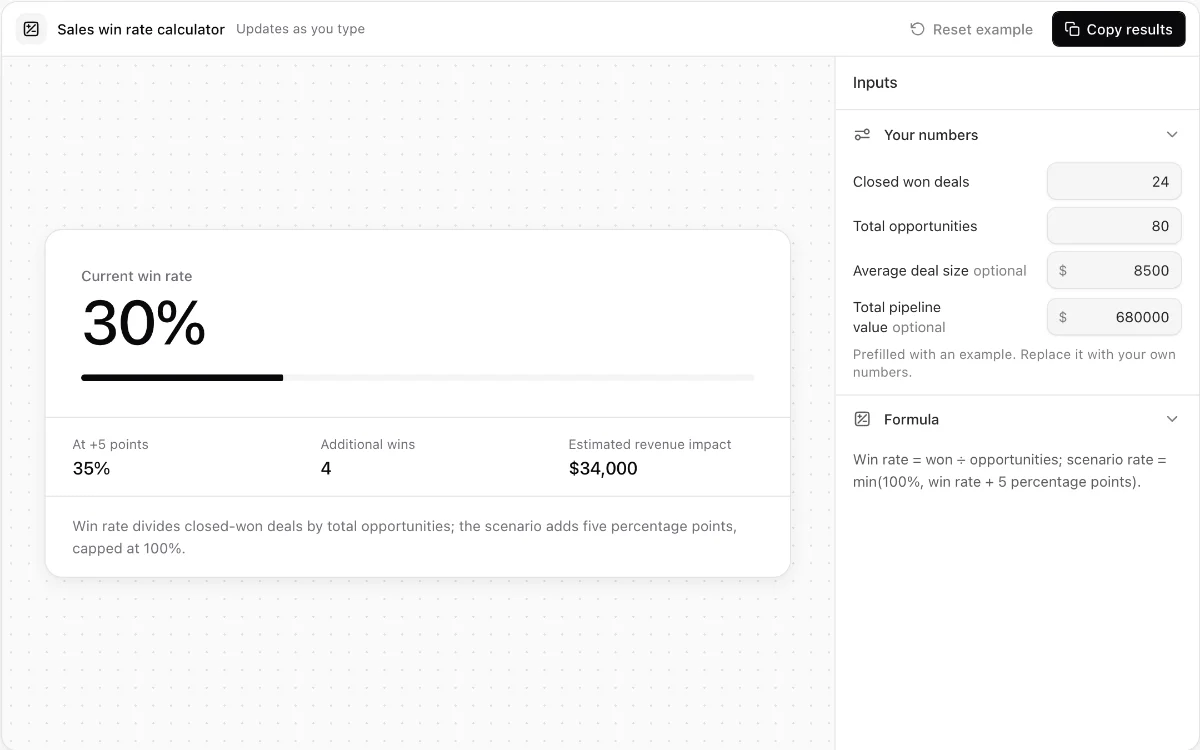
Sales win rate calculator
Measure opportunity win rate and model the revenue effect of a five-point improvement.
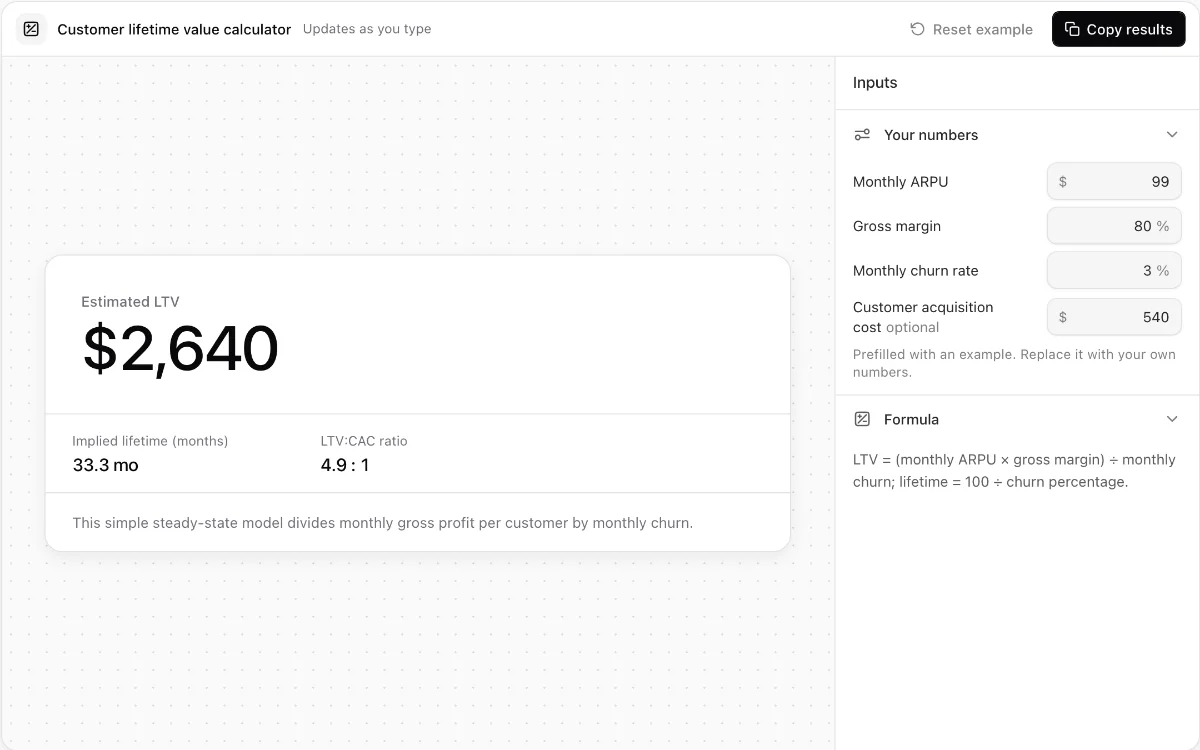
Customer lifetime value calculator
Estimate steady-state SaaS lifetime value from ARPU, gross margin, and monthly churn.
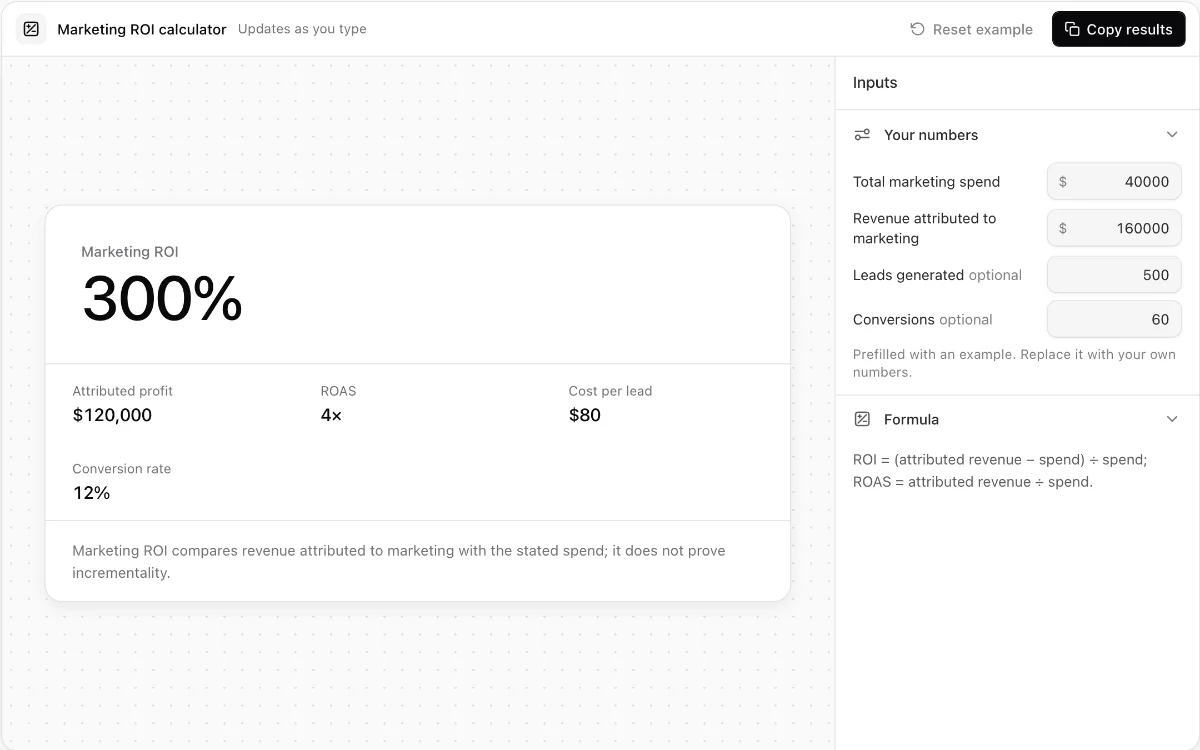
Marketing ROI calculator
Calculate attributed ROI, ROAS, cost per lead, and lead-to-customer conversion rate.
Make every demo your next revenue channel
Capture screenshot, HTML, sandbox and video demos of your product and let buyers explore it before they ever book a call.