Net Promoter Score calculator
Turn promoter, passive, and detractor response counts into an exact NPS breakdown.
- No sign-up
- Calculated in your browser
- Formula shown
- Updated
Net Promoter Score
50
NPS subtracts the detractor percentage from the promoter percentage; passives stay in the denominator.
How to use the Net Promoter Score calculator
- 01
Enter counts for 9–10 promoters, 7–8 passives, and 0–6 detractors.
- 02
Check the percentage breakdown and rounded NPS.
- 03
Copy the result for a survey review.
What the Net Promoter Score calculator does
Turns NPS response counts into promoter, passive, and detractor percentages plus the standard Net Promoter Score.
NPS from raw counts
Type in how many respondents scored 9–10, 7–8 and 0–6. The calculator totals them, converts each group to a percentage and returns Net Promoter Score as a whole number between −100 and +100, rounded the way it is usually reported.
Full group breakdown
Promoter, passive and detractor percentages appear next to the score. Two surveys can share an NPS of 40 with very different mixes, and the breakdown shows whether a change came from gaining promoters or from losing detractors.
Counts, not percentages
Each group must be a non-negative whole number, and at least one response is required. Because you enter counts rather than percentages, the three shares always add up to 100% and you avoid the drift that comes from typing rounded percentages by hand.
Ready for a survey review
The score and breakdown update with every change. Copy result produces a short text block with all four figures and the formula note, ready to paste into a report or slide. Only aggregate counts are entered, and they stay in your browser.
Formula, inputs and privacy
NPS = promoter percentage − detractor percentage; passives remain in the denominator.
- What you provide
- Counts grouped into promoters, passives, and detractors.
- What you get
- NPS, promoter percentage, passive percentage, and detractor percentage.
- Where your data goes
- Only aggregate counts are entered, and the calculation remains local to this browser.
Who uses the Net Promoter Score calculator
How do customer experience teams use an NPS calculator?
CX teams use it to recompute NPS for segments their survey tool does not split cleanly, such as customers onboarded this year versus earlier cohorts. Exporting counts per segment and entering them here gives comparable scores in a minute without building a new report.
How do product managers use NPS after a release?
Product managers compare NPS from responses collected before and after a major release. If promoters rise but detractors also rise, the release may have polarized users, and reading the comments from the new detractors usually explains more than the headline score does.
How do customer success managers use NPS in QBRs?
CSMs calculate NPS for a single large account from that account's survey responses and bring the breakdown into the quarterly business review. Pointing to the detractors on the account, and what they said, gives the executive sponsor a specific list of issues to act on.
How do executives report NPS to a board?
Leadership teams report NPS as a trend rather than a single number, and they pair it with response counts. Calculating each quarter from raw counts with the same method keeps the series consistent even when survey tools or sampling approaches change.
Frequently Asked Questions
Learn how interactive demos work and how ArcDemo helps your team close deals without a live call.
Want early access to ArcDemo? Join the waitlist
Want early access to ArcDemo? Join the waitlist
More free tools
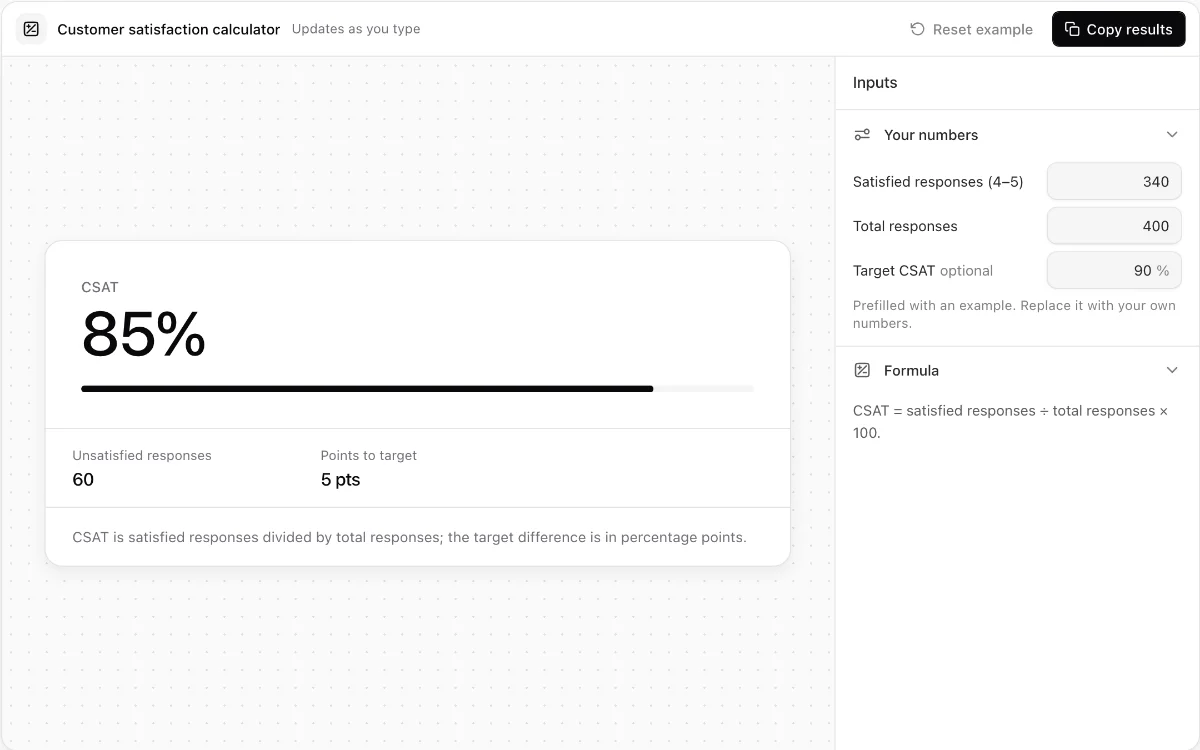
Customer satisfaction calculator
Calculate CSAT, unsatisfied responses, and the percentage-point gap to a valid target.
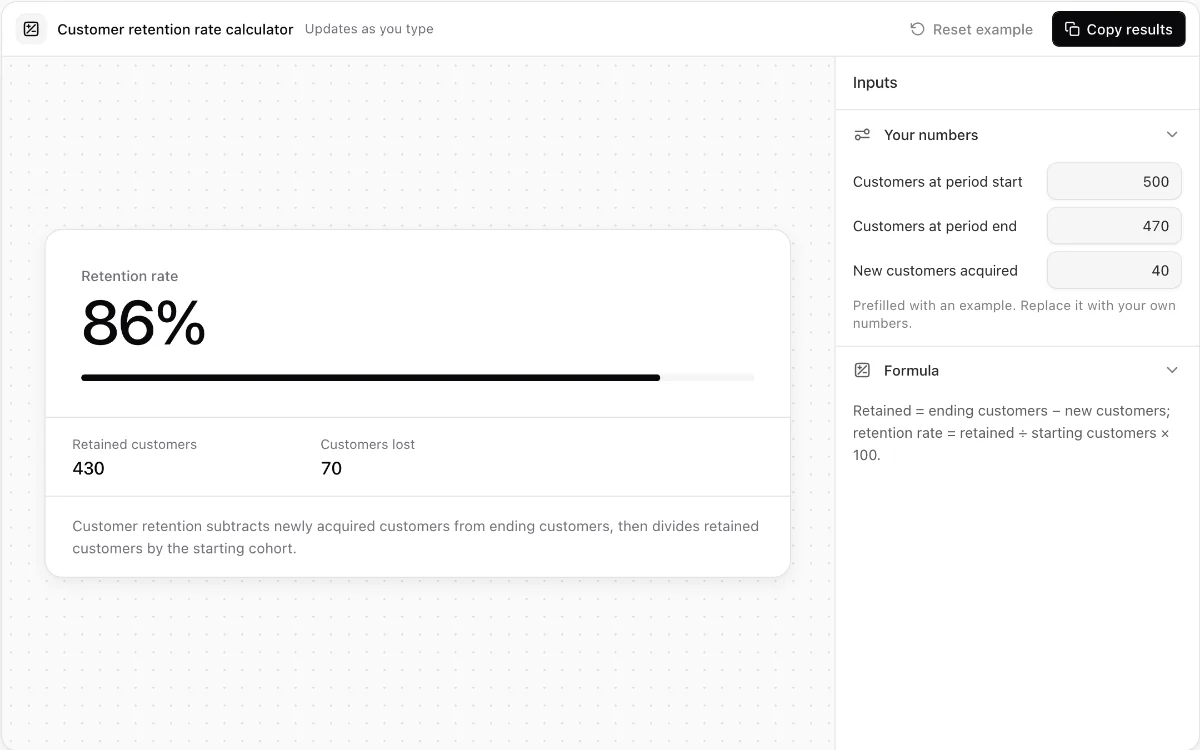
Customer retention rate calculator
Measure retained and lost customers while catching impossible cohort inputs.
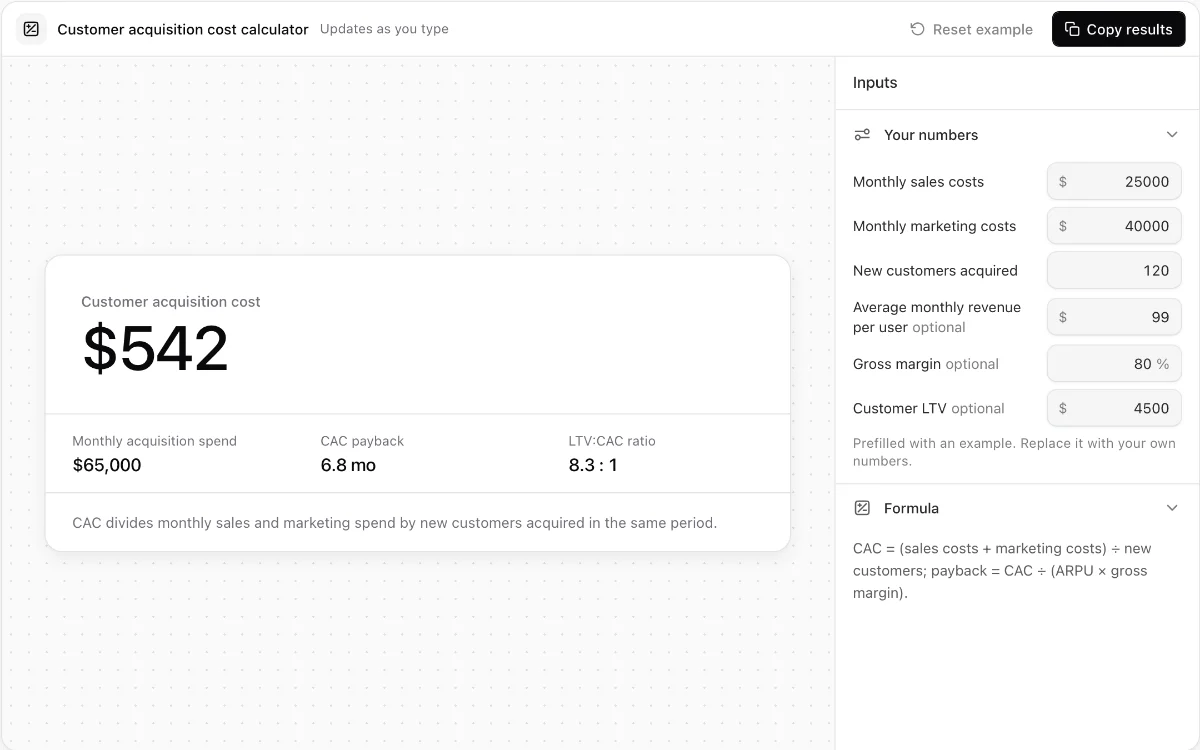
Customer acquisition cost calculator
Calculate blended CAC, optional payback time, and LTV-to-CAC ratio from monthly acquisition inputs.
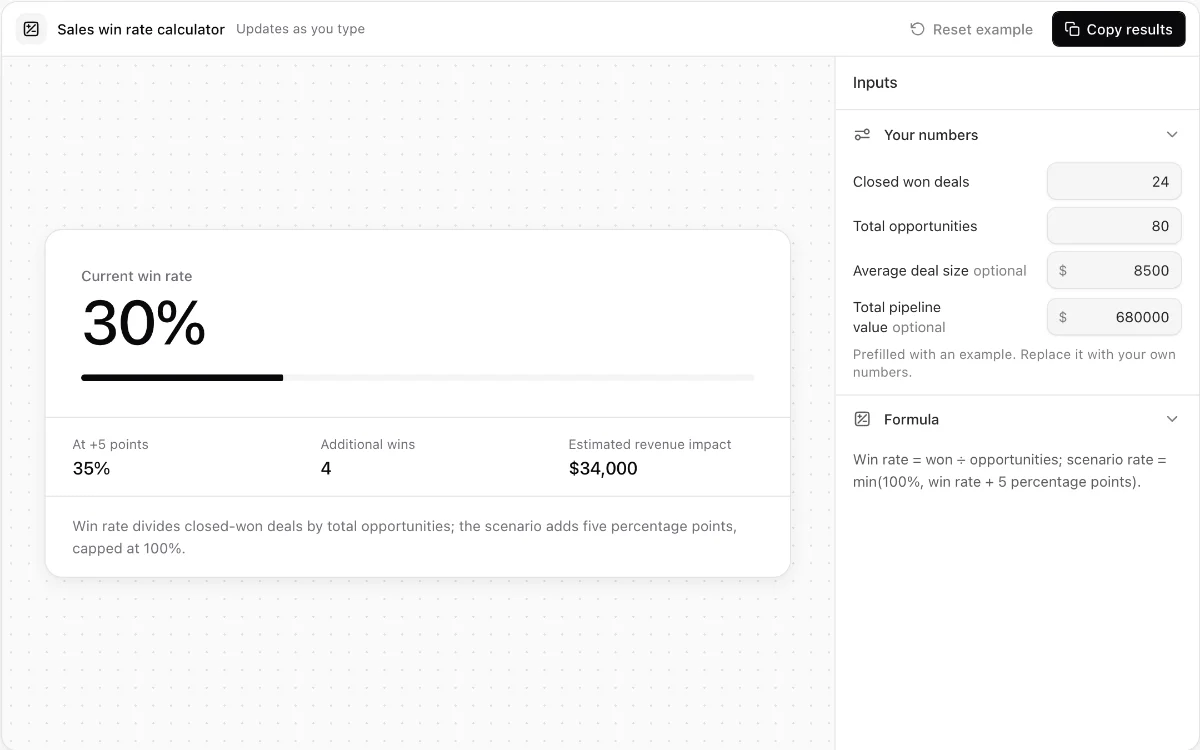
Sales win rate calculator
Measure opportunity win rate and model the revenue effect of a five-point improvement.
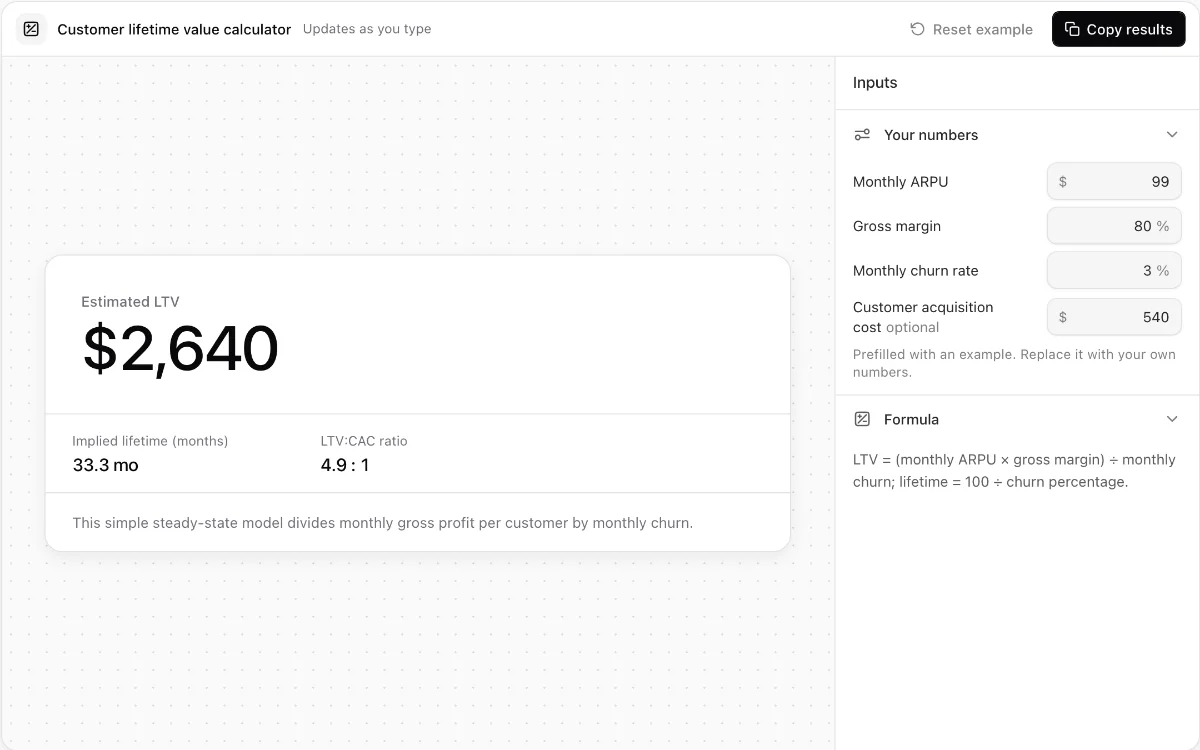
Customer lifetime value calculator
Estimate steady-state SaaS lifetime value from ARPU, gross margin, and monthly churn.
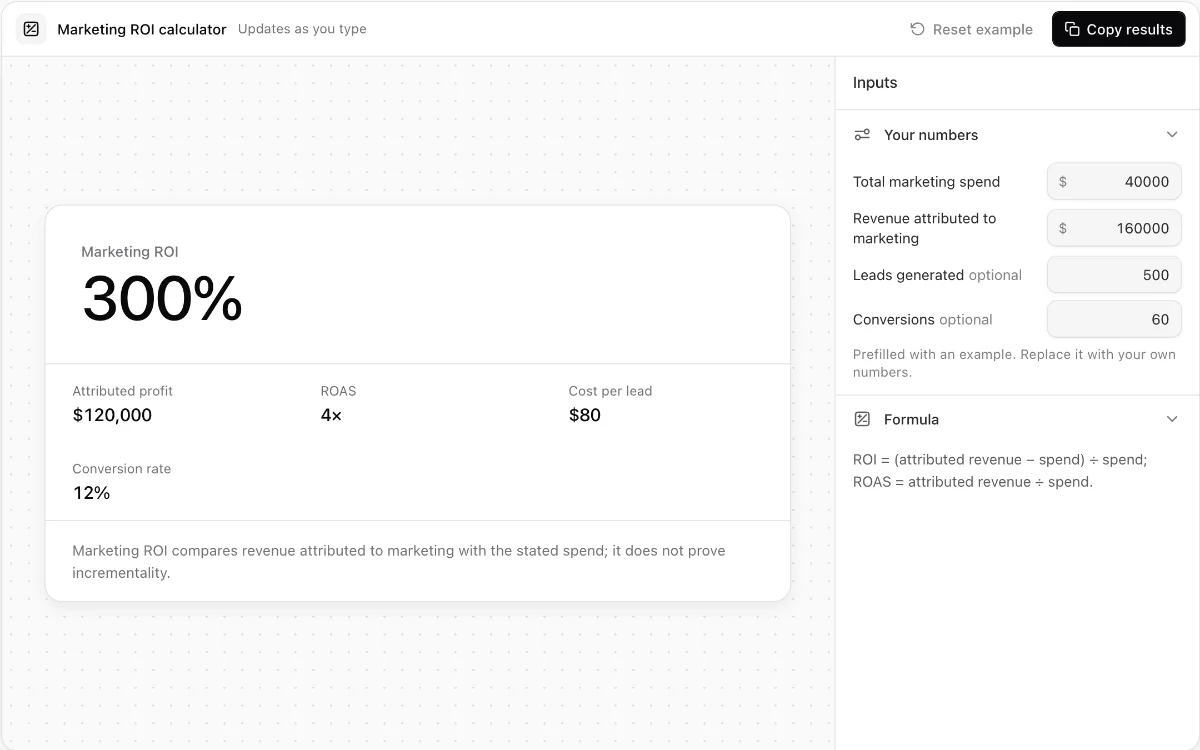
Marketing ROI calculator
Calculate attributed ROI, ROAS, cost per lead, and lead-to-customer conversion rate.
Make every demo your next revenue channel
Capture screenshot, HTML, sandbox and video demos of your product and let buyers explore it before they ever book a call.