Employee turnover cost calculator
Estimate employees lost and annual replacement cost from workforce and salary assumptions.
- No sign-up
- Calculated in your browser
- Formula shown
- Updated
Annual replacement cost
$1,350,000
- Expected employees lost
- 36
- Cost per employee lost
- $37,500
- Monthly equivalent
- $112,500
The estimate multiplies expected employees lost by the stated replacement-cost percentage of salary; indirect costs are excluded.
How to use the employee turnover cost calculator
- 01
Enter total employees and annual turnover rate.
- 02
Add average salary and replacement cost as a percentage of salary.
- 03
Review annual and monthly-equivalent cost.
What the employee turnover cost calculator does
Estimates employees lost and replacement cost from workforce size, annual turnover, salary, and a replacement-cost assumption.
Expected employees lost
Multiply your headcount by the annual turnover rate and the calculator shows how many people you should expect to replace this year. With 200 employees and 18% turnover, that is 36 departures, a number that is easier to plan around than a percentage.
Cost per departure
Replacement cost is entered as a percentage of average annual salary, so you can match it to your own data or to an assumption your finance team accepts. The tool multiplies salary by that percentage to show the cost of each employee lost.
Annual and monthly totals
Employees lost times cost per departure gives the annual replacement cost, and dividing by 12 gives a monthly equivalent. The monthly figure helps when comparing turnover cost with recurring spend such as a retention bonus program or an extra recruiter.
Bounded inputs, local results
Turnover rate and replacement percentage must sit between 0 and 100%, and headcount must be a whole number above zero. Every result recalculates as you type, copies to your clipboard in one click and stays inside your browser.
Formula, inputs and privacy
Employees lost = employees × turnover; annual cost = employees lost × salary × replacement percentage.
- What you provide
- Employee count, turnover percentage, average salary, and replacement-cost percentage.
- What you get
- Expected employees lost, cost per loss, annual replacement cost, and monthly equivalent.
- Where your data goes
- Only aggregate workforce assumptions are used, entirely in local browser arithmetic.
Who uses the employee turnover cost calculator
How do HR leaders use an employee turnover calculator?
HR leaders use it to put a dollar figure on attrition when making the case for retention work, such as manager training, compensation reviews or clearer career paths. Showing that cutting turnover by a few points saves a specific annual amount moves the discussion from sentiment to budget.
How do finance teams use turnover cost in headcount planning?
Finance partners add expected replacement cost to the annual plan alongside hiring for growth. If the plan adds 30 roles but turnover will also open 36 backfills, recruiting capacity and budget need to cover both, a detail plans often miss.
How do people analytics teams compare departments?
People analytics teams run the calculator per department with each group's own turnover rate and salary. A department with modest turnover but high salaries can cost more than one with high turnover and lower pay, which changes where retention investment should go.
How do team managers use turnover cost?
Managers use it to understand what a departure on their own team costs the company. Entering their team size, turnover and salary makes the tradeoff concrete when they are weighing a counteroffer, a promotion or more investment in onboarding new hires.
Frequently Asked Questions
Learn how interactive demos work and how ArcDemo helps your team close deals without a live call.
Want early access to ArcDemo? Join the waitlist
Want early access to ArcDemo? Join the waitlist
More free tools
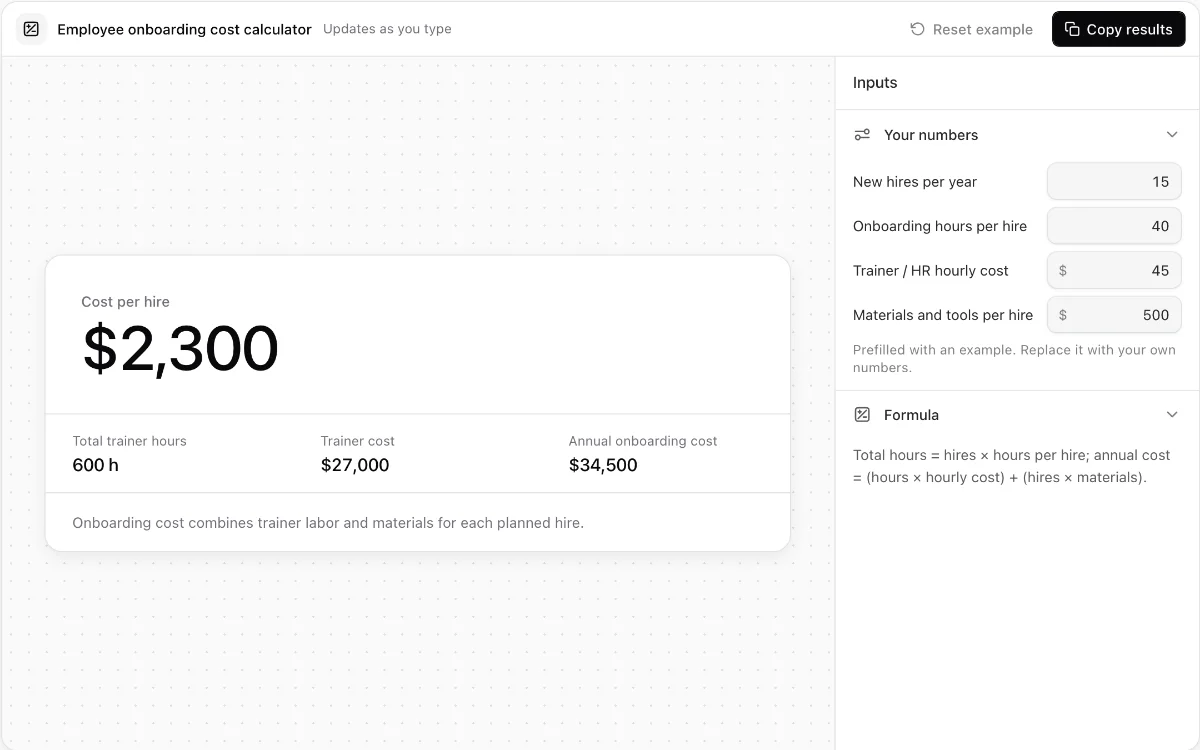
Employee onboarding cost calculator
Break onboarding labor, materials, per-hire cost, and annual program cost into clear totals.
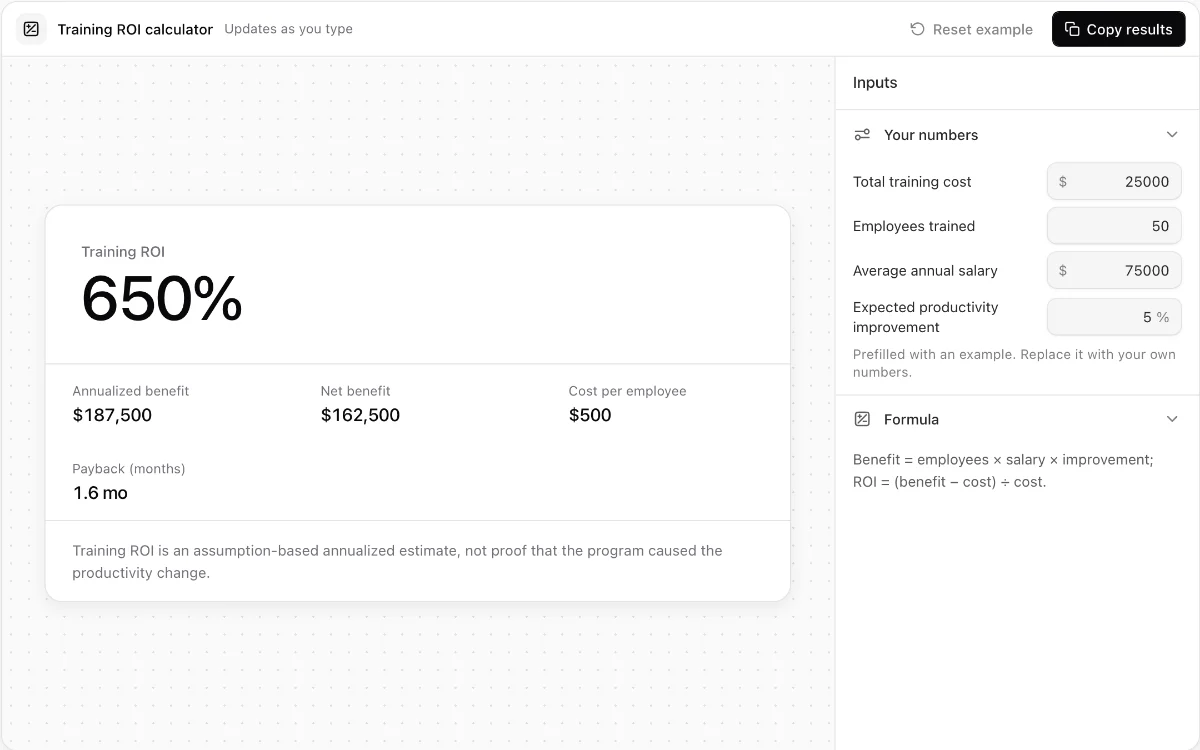
Training ROI calculator
Estimate annualized productivity benefit, cost per employee, ROI, and payback time.
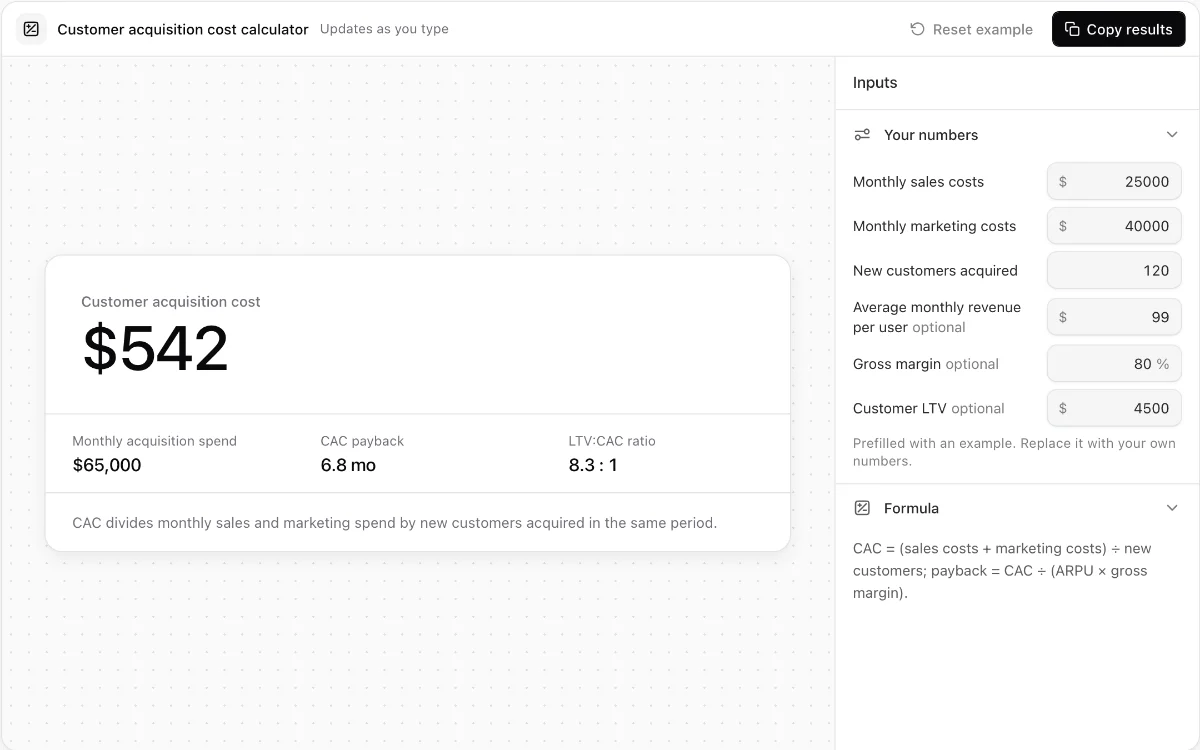
Customer acquisition cost calculator
Calculate blended CAC, optional payback time, and LTV-to-CAC ratio from monthly acquisition inputs.
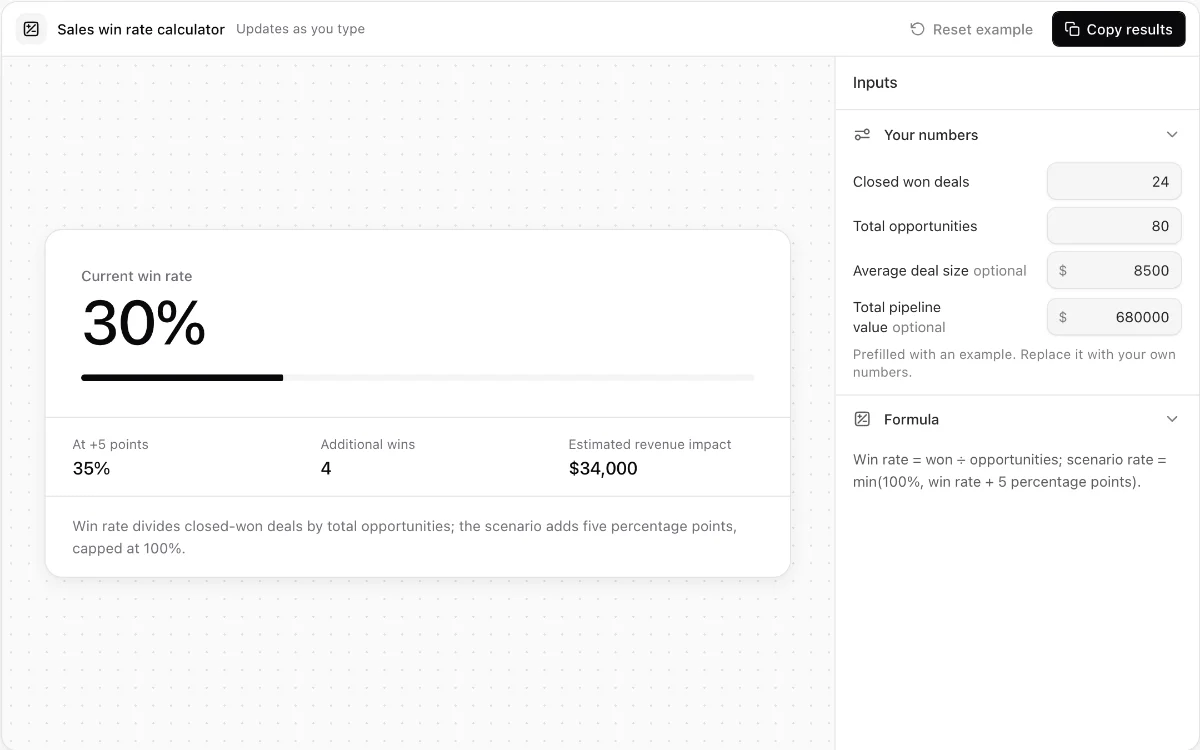
Sales win rate calculator
Measure opportunity win rate and model the revenue effect of a five-point improvement.
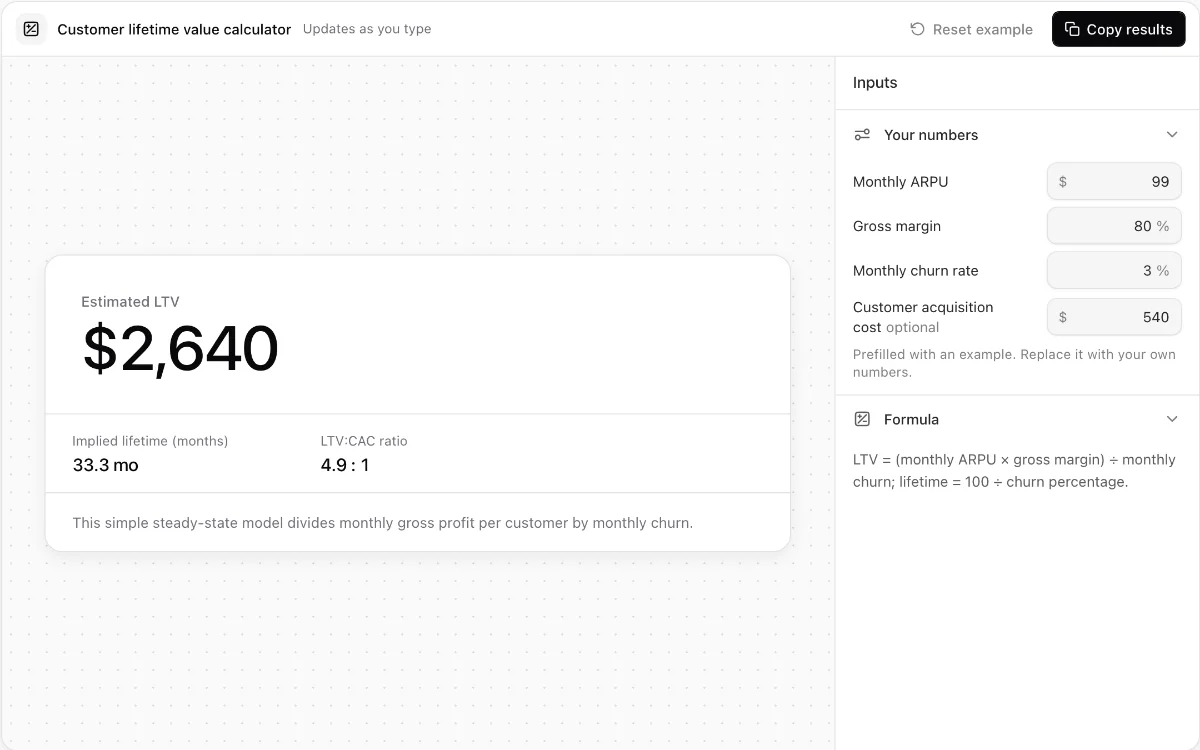
Customer lifetime value calculator
Estimate steady-state SaaS lifetime value from ARPU, gross margin, and monthly churn.
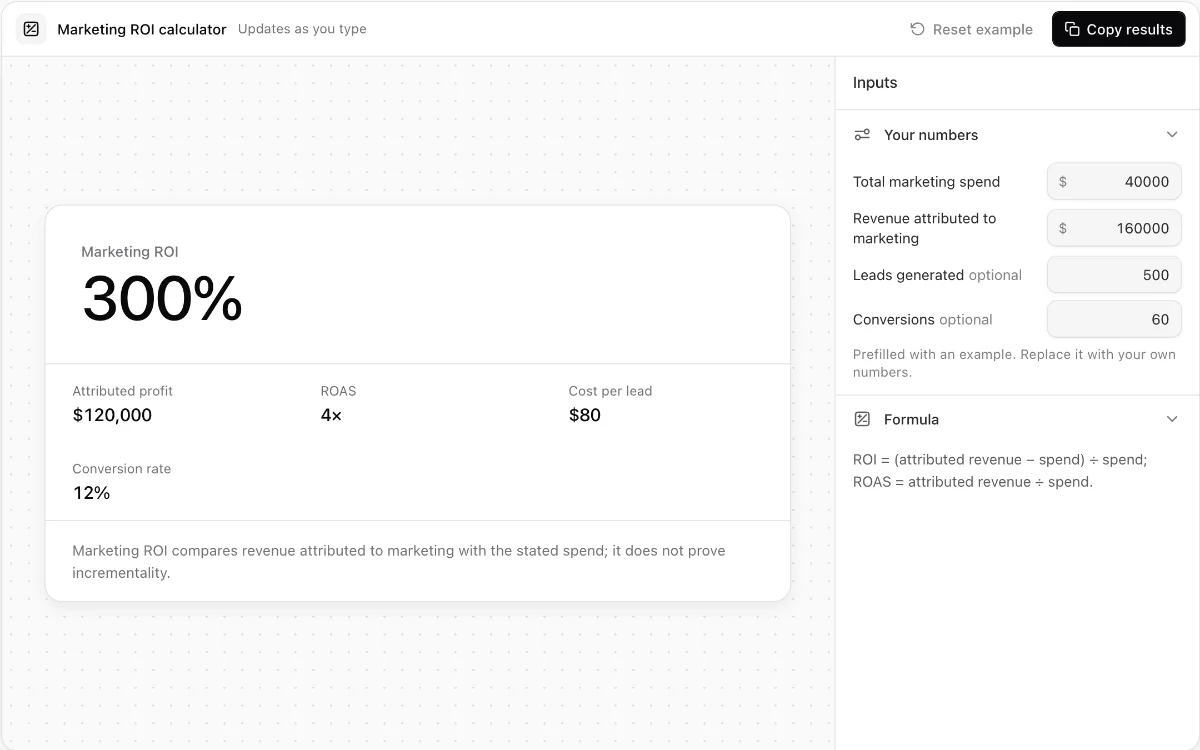
Marketing ROI calculator
Calculate attributed ROI, ROAS, cost per lead, and lead-to-customer conversion rate.
Make every demo your next revenue channel
Capture screenshot, HTML, sandbox and video demos of your product and let buyers explore it before they ever book a call.