Training ROI calculator
Estimate annualized productivity benefit, cost per employee, ROI, and payback time.
- No sign-up
- Calculated in your browser
- Formula shown
- Updated
Training ROI
650%
- Annualized benefit
- $187,500
- Net benefit
- $162,500
- Cost per employee
- $500
- Payback (months)
- 1.6 mo
Training ROI is an assumption-based annualized estimate, not proof that the program caused the productivity change.
How to use the training ROI calculator
- 01
Enter training cost, employees trained, and average salary.
- 02
Set expected productivity improvement.
- 03
Treat the result as a scenario and stress-test the assumption.
What the training ROI calculator does
Models annualized productivity benefit from training assumptions and compares it with program cost, including payback and cost per employee.
Annualized benefit estimate
The calculator values the expected productivity gain as a share of salary: employees trained times average annual salary times the improvement percentage. With 50 employees, a $75,000 salary and a 5% gain, the annualized benefit comes to $187,500.
ROI, net benefit and payback
From that benefit it derives net benefit, benefit minus cost, ROI as a percentage of cost and payback in months, calculated as cost divided by annual benefit times 12. Payback only appears when the benefit is above zero.
Cost per employee trained
Total program cost divided by the number of people trained gives a per-head figure you can compare across courses, vendors or internal programs. It stands apart from the productivity assumption that drives the ROI number, so it is useful even when that assumption is disputed.
A built-in assumption check
Enter a productivity improvement above 20% and the tool flags it as a high assumption and suggests testing a lower case. Results update live, copy to the clipboard in one click and are calculated without sending salary data anywhere.
Formula, inputs and privacy
Benefit = employees × salary × improvement; ROI = (benefit − cost) ÷ cost.
- What you provide
- Training cost, employee count, average salary, and expected productivity improvement.
- What you get
- Annualized benefit, net benefit, ROI, cost per employee, and payback in months.
- Where your data goes
- This is an assumption model; no employee records or salary inputs leave the browser.
Who uses the training ROI calculator
How do L&D teams use a training ROI calculator?
Learning and development teams use it to build a business case before a program launches. Running a conservative case next to an expected case shows leadership the range of outcomes, and lowering the improvement until net benefit reaches zero reveals the break-even gain the program must deliver.
How do HR business partners compare training programs?
HR business partners compare proposed programs across departments using the same assumptions. Cost per employee and payback months give a common yardstick when a manager development course, a compliance refresher and a technical certification all compete for one budget line.
How do sales enablement teams estimate the ROI of rep training?
Enablement teams use average on-target earnings as the salary input and a modest productivity gain to estimate the value of onboarding or methodology training. Comparing that estimate with actual ramp time or quota attainment data six months later shows whether the assumption held up.
How do department heads use training ROI for software rollouts?
When a team adopts new software, department heads use the calculator to weigh live training sessions against self-serve materials such as recorded walkthroughs or interactive product demos. Lower program cost with a similar expected improvement raises ROI, though the improvement should be checked after rollout.
Frequently Asked Questions
Learn how interactive demos work and how ArcDemo helps your team close deals without a live call.
Want early access to ArcDemo? Join the waitlist
Want early access to ArcDemo? Join the waitlist
More free tools
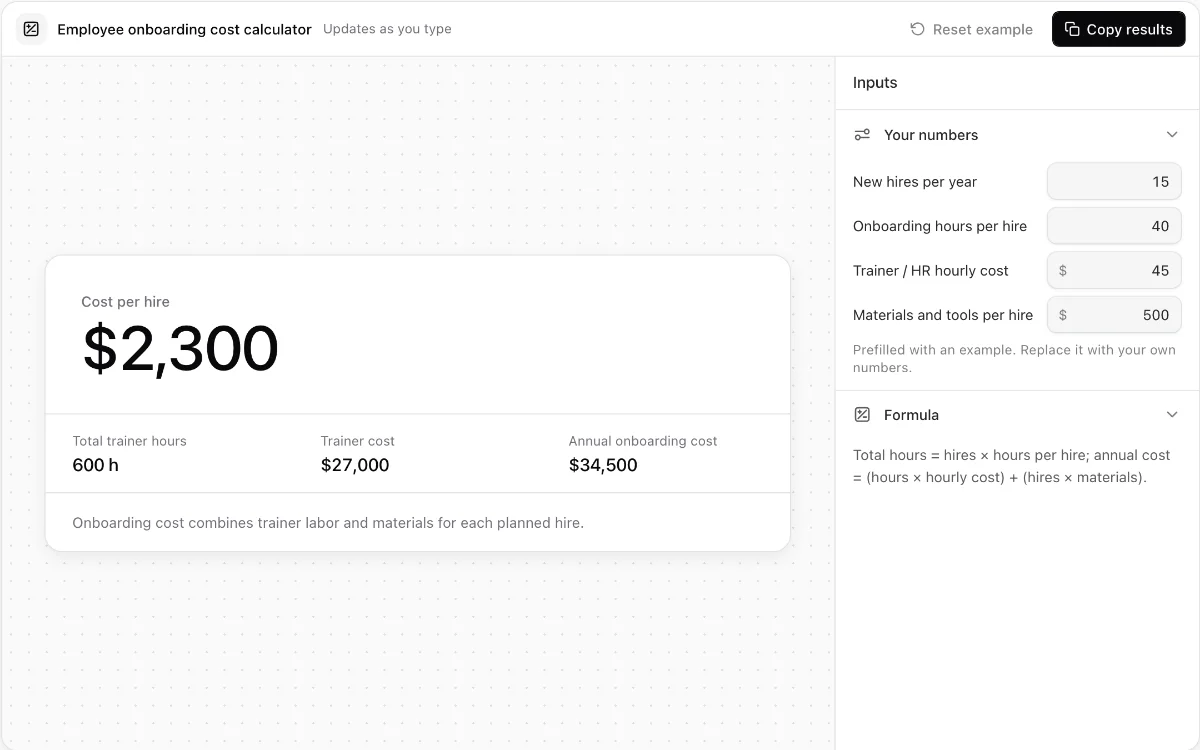
Employee onboarding cost calculator
Break onboarding labor, materials, per-hire cost, and annual program cost into clear totals.
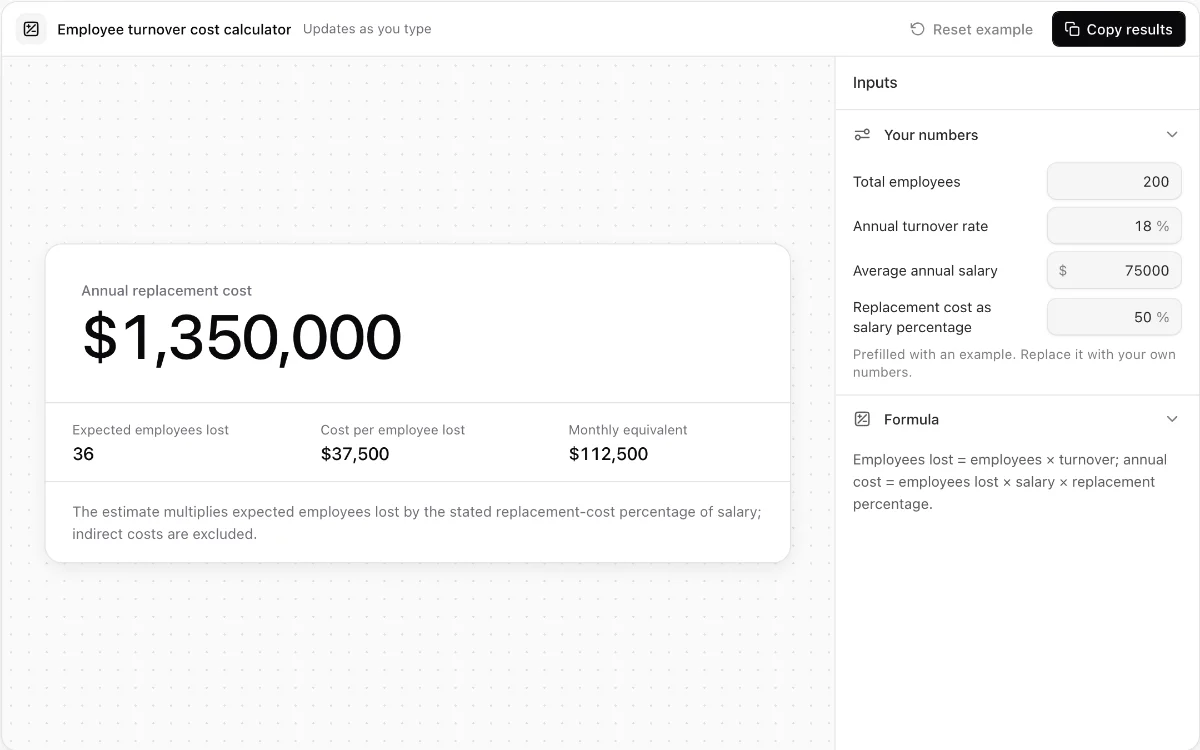
Employee turnover cost calculator
Estimate employees lost and annual replacement cost from workforce and salary assumptions.
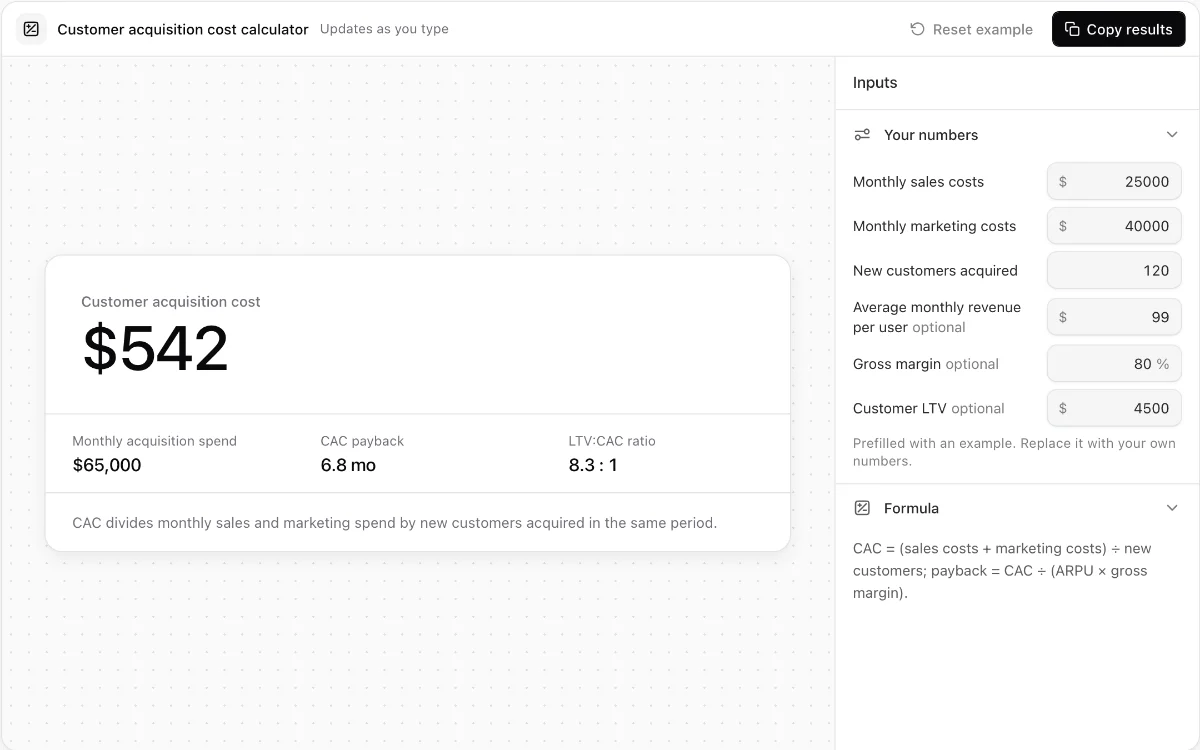
Customer acquisition cost calculator
Calculate blended CAC, optional payback time, and LTV-to-CAC ratio from monthly acquisition inputs.
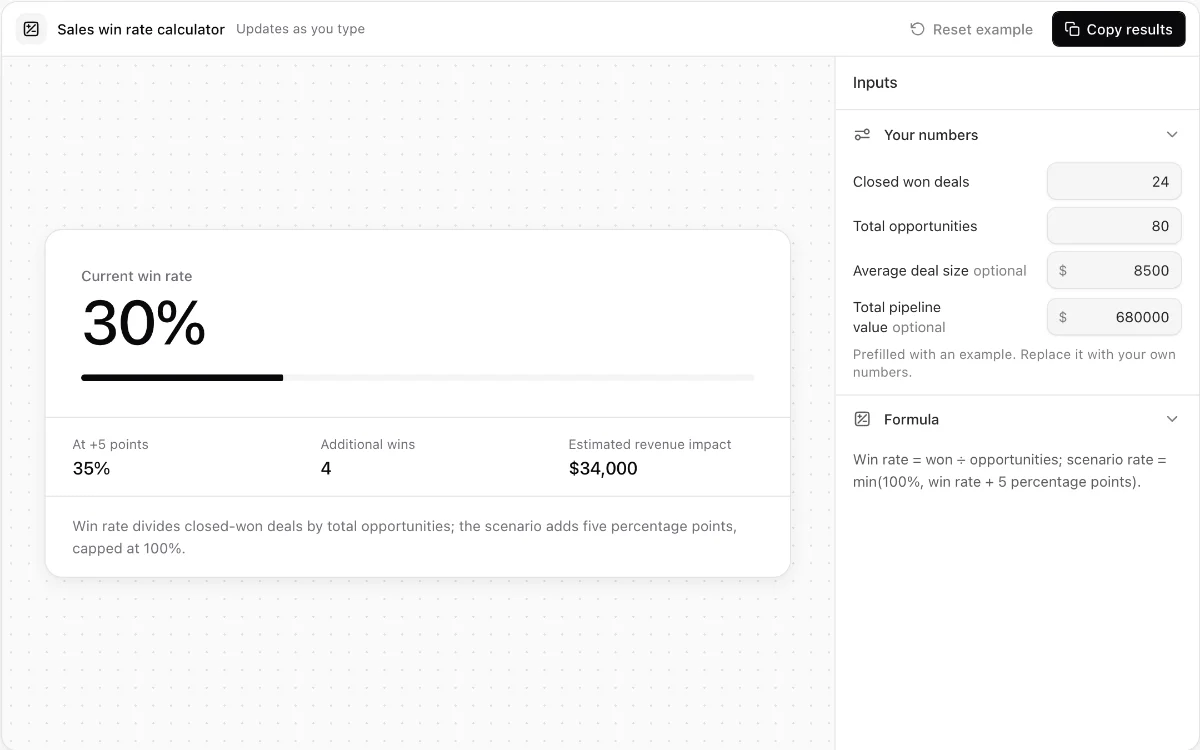
Sales win rate calculator
Measure opportunity win rate and model the revenue effect of a five-point improvement.
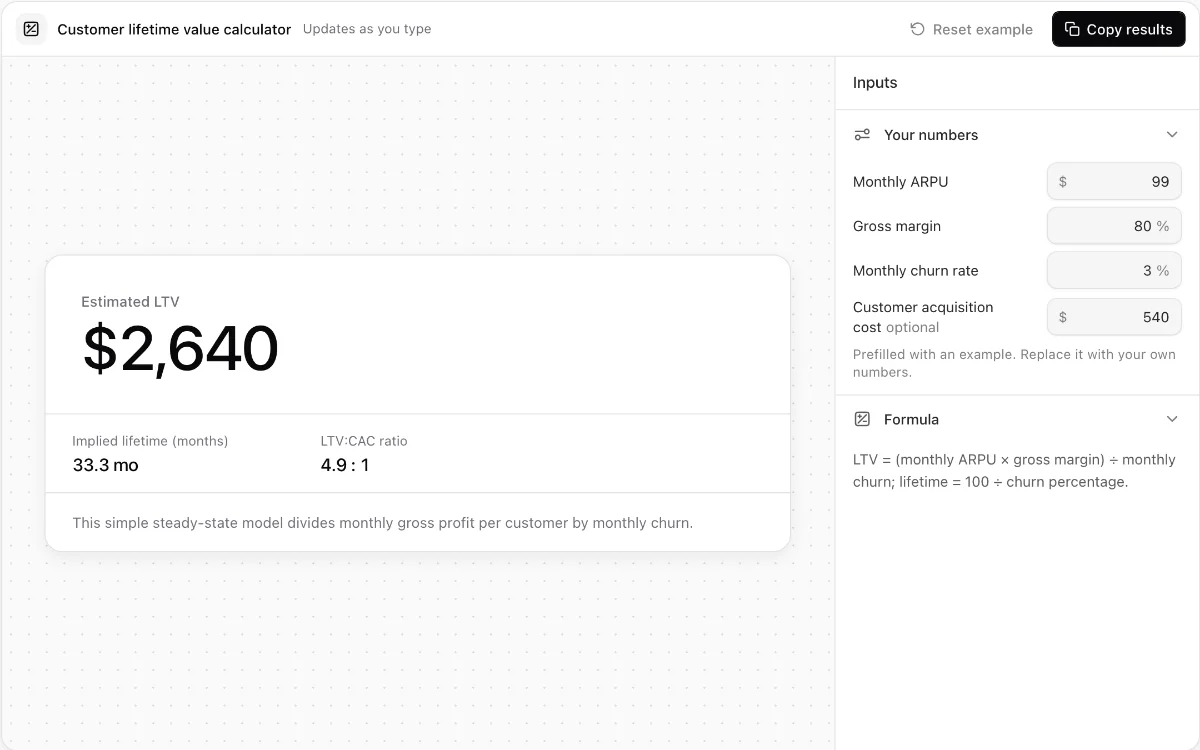
Customer lifetime value calculator
Estimate steady-state SaaS lifetime value from ARPU, gross margin, and monthly churn.
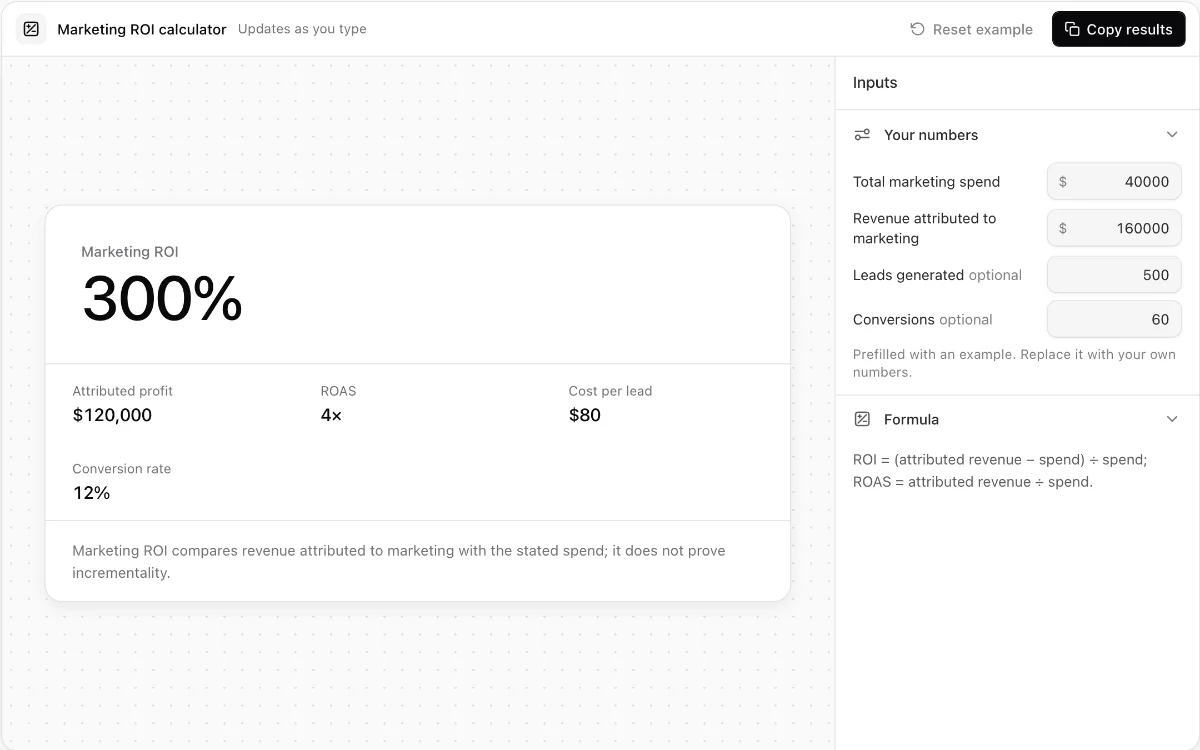
Marketing ROI calculator
Calculate attributed ROI, ROAS, cost per lead, and lead-to-customer conversion rate.
Make every demo your next revenue channel
Capture screenshot, HTML, sandbox and video demos of your product and let buyers explore it before they ever book a call.